AirKey system manual version 2.7 |
06/03/2024 | Subject to technical changes and misprints
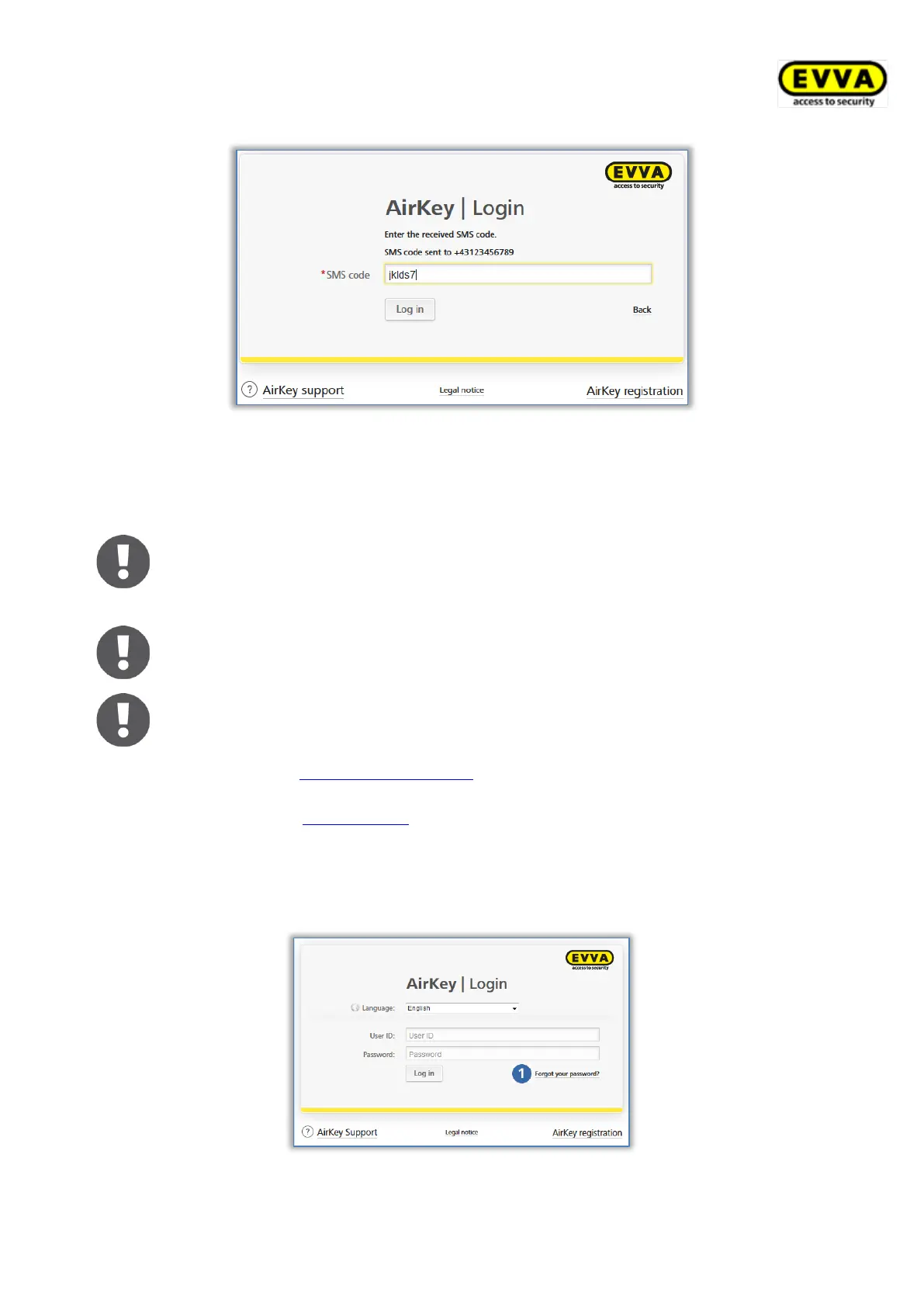
Figure 92: Enter SMS code for login
> The telephone number is now verified for two-factor authentication and the start
page of your AirKey access control system is displayed.
If the phone number has already been verified, it does not need to be re-
entered after entering the user ID and password. In this case, an SMS code
is immediately sent to the verified phone number.
The SMS code is valid for 5 minutes. If the 5 minutes are exceeded, the
login process must be repeated.
Without access to the verified telephone number no login to the AirKey
Online Administration can take place. If you want to change the phone
number, you must change the phone number in the details of the admi-
nistrator (see Editing administrators). However, this requires the currently
verified phone number. If the telephone number is no longer available,
please contact EVVA support.
5.1.3 Have you forgotten your password?
You can individually reset your password should it be unavailable.
Click Forgot your password?
Figure 93: AirKey Online Administration login page


 To Next Page
 Loading...