AirKey system manual version 2.7 |
06/03/2024 | Subject to technical changes and misprints
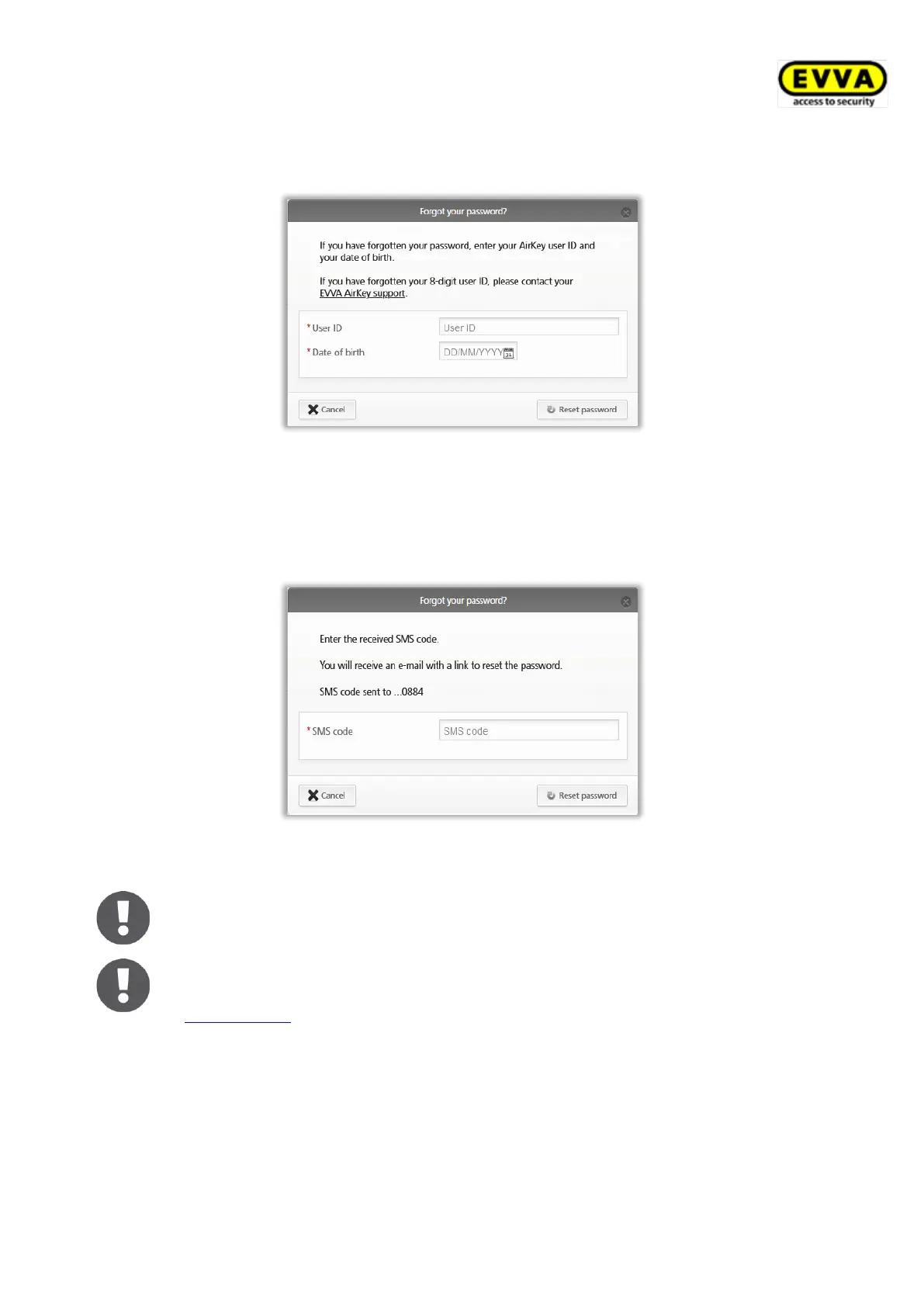
> Enter your username and the date of birth you entered upon registration in the
"Forgot your password?" dialogue window and click Reset password.
Figure 94: Forgot your password?
> If two-factor authentication is activated, you will receive an SMS code to your verified
smartphone, which must be entered in the following dialogue and confirmed with
Reset password. (This step does not apply if the two-factor authentication is not
activated or the phone number is not yet verified.)
Figure 95: SMS code reset password
The SMS code is valid for 5 minutes. If the 5 minutes are exceeded, the
process must be repeated.
Without access to the verified phone number, the process cannot be
completed. If the telephone number is no longer available, please contact
EVVA support.
You will receive an automated e-mail from EVVA AirKey with the following subject line:
"EVVA AirKey Online Administration – reset your password".
> Open the e-mail from EVVA AirKey.
> In the e-mail, click the link to reset your password. The "Reset password" website
opens.
> Enter your new password and re-enter your new password to confirm the process.


 To Next Page
 Loading...