6.0 Clone Function
Note! The cloning function works without PC connections.
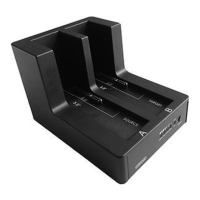
1. Install 2 Hard disk on the EW7015. In the slot B the target disk and in slot A the
source disk
2. Please make sure the switch ( on the backside ) is switched to “Clone”.
3. Turn on the Docking Station
4. Click “clone button two times, and listen to beep sound, then 2 hard disks will
begin cloning
5. The LED of 25% on the EW7015 will be blinking when it starts to clone. LED light
will indicate the cloning rate from 25%, 50%, 75% to 100%.
6. When the 4 LEDs stop blinking and listen a beep sound, the cloning is finished..
Note! Don’t turn off the power or take out the hard disk before the cloning is finished
The cloning will takes a long time to finish clone.
For Example:
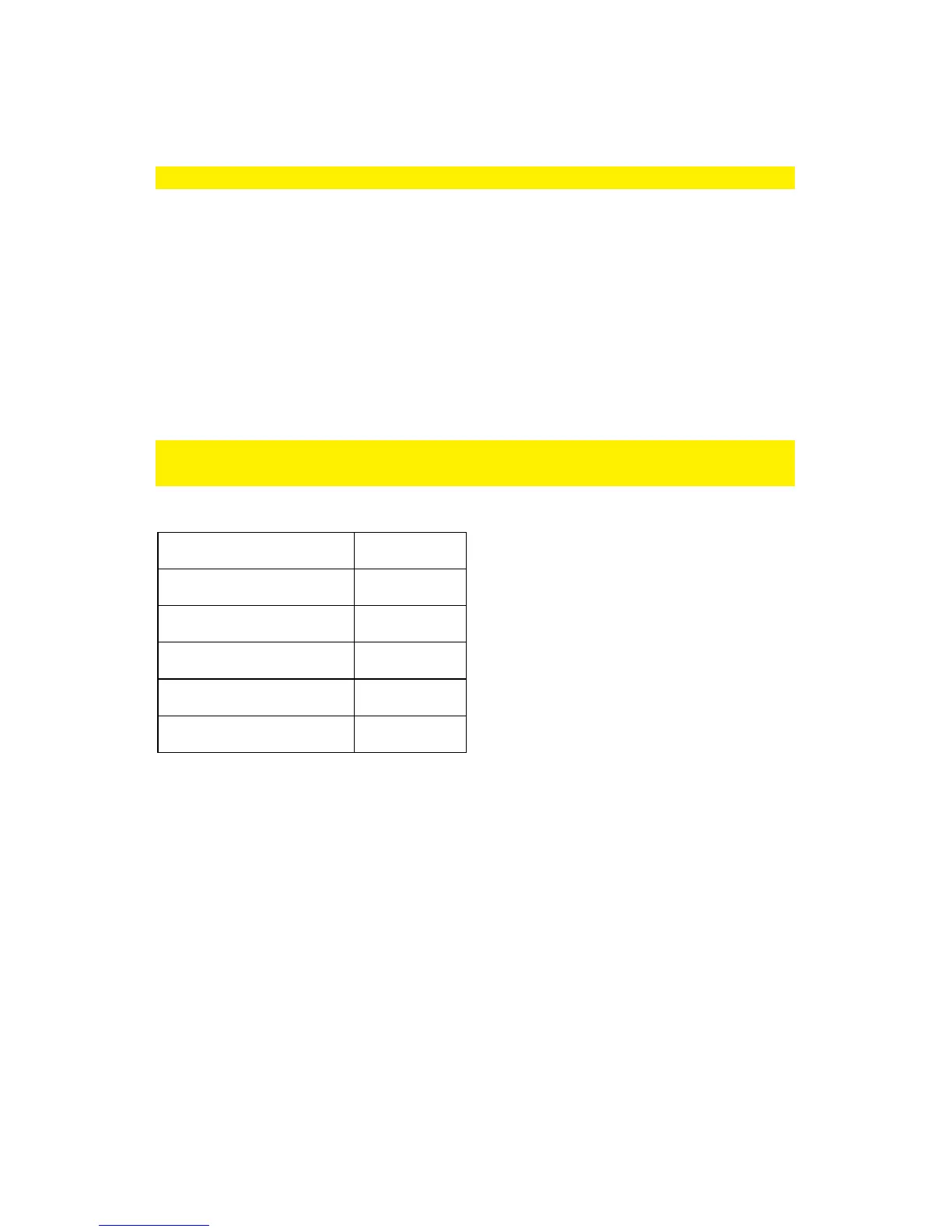
HDD volume TIME
80GB 35min
500GB over 3H
1TB over 6H
2TB 13H
3TB 18~19H


 To Next Page