2
PACKAGE CONTENTS
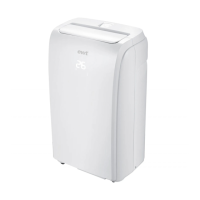
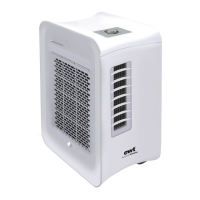
Portable air conditioner
User manual
Extendable window kit
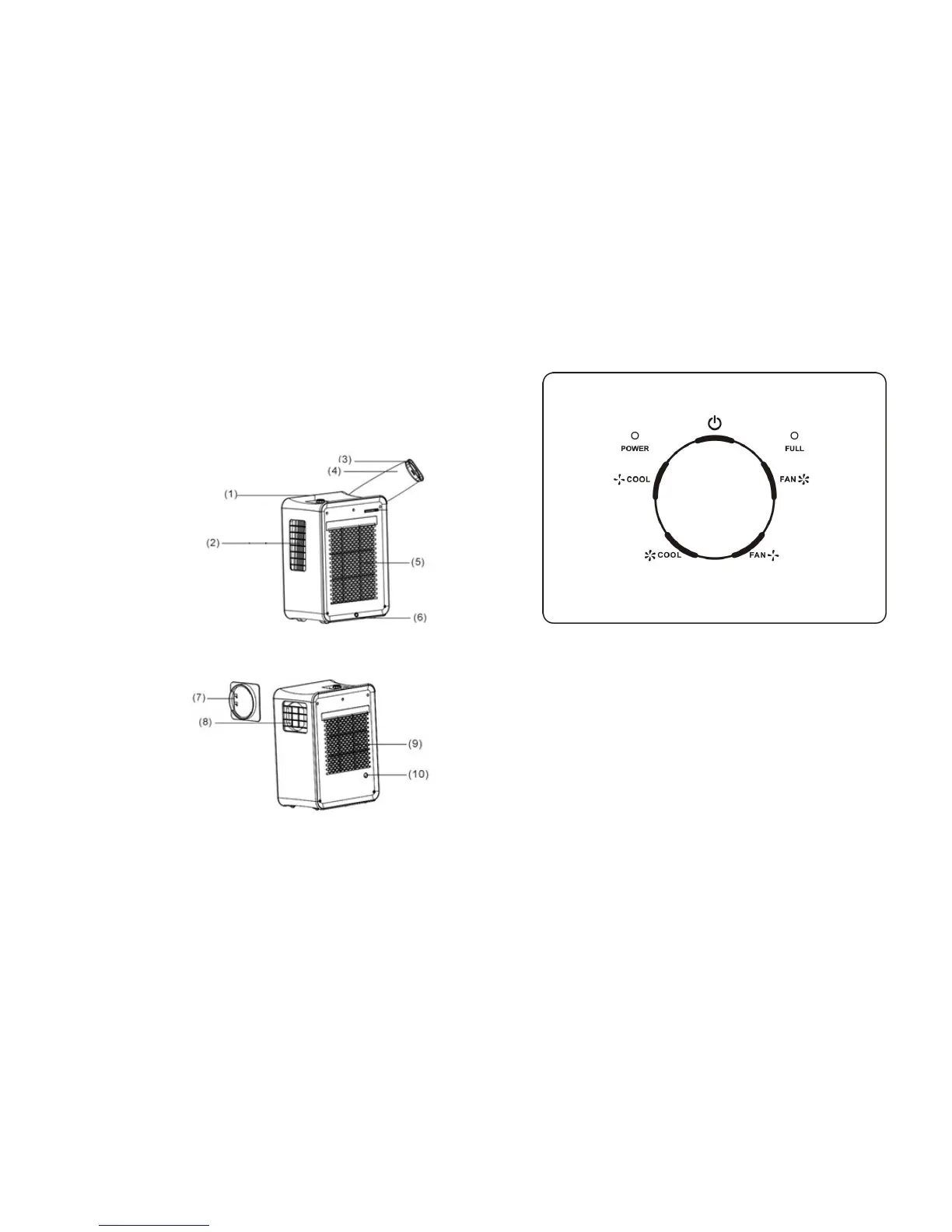
PARTS
1. Control panel
2. Cool air outlet
3. Exhaust hose connector
4. Exhaust hose
5. Hot air inlet
6. Lower drain hose
7. Hot air exhaust hose
attachment
8. Hot air outlet
9. Cool air outlet
10. Upper drain hose
3
CONTROLS AND DISPLAY
STARTING THE UNIT
1. Turn the control knob to the “POWER/OFF” position.
2. Plug the unit into a standard 10amp power supply.
3. Turn the control knob to the “COOL” position. The “POWER” light will turn on while
the unit is in operation.
SWITCHING THE UNIT OFF
Turn the control knob to the “POWER/OFF” position.
FUNCTION
Low Fan Speed: Turn the control knob to the “FAN” position (smaller fan), to operate
the unit at low fan speed. The compressor will not be switched on in this function.
High Fan Speed: Turn the control knob to the “FAN” position (larger fan), to operate the
unit at high fan speed. The compressor will not be switched on in this function.


 To Next Page