EasyManua.ls Logo

Excalibur Einstein Master Chess Checkers E951 - Battery Installation Guide

Excalibur Einstein Master Chess Checkers E951
40 pages
Print Icon
To Next Page IconTo Next Page
To Previous Page IconTo Previous Page
Loading...
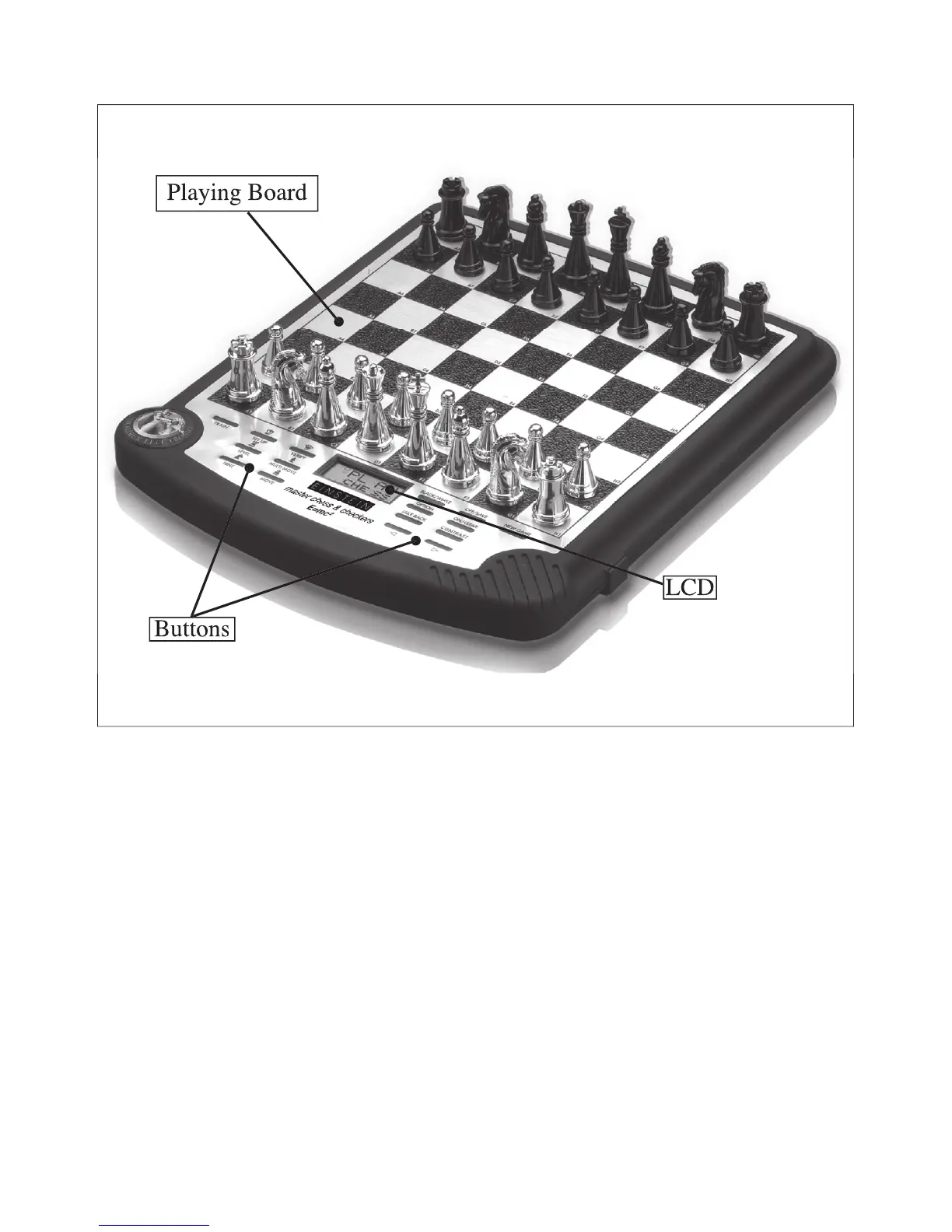
Chapter 1: Game Layout
Playing Board
Buttons
LCD
Chapter 2: Installing Batteries
1. Carefully turn the unit over so that the display is face down. Lay it on a
soft surface such as a magazine or towel.
2. Remove the battery compartment panel on the left by using your thumb
nail to pull up gently on the raised latch.
3. Insert three fresh AA batteries, making sure to follow the diagram in each
battery slot so that the polarity (+ and -) of the batteries is correct.
4. Replace the battery compartment panel by fi tting the two tabs into their
receptacles and pushing down on the panel lightly.
4