5
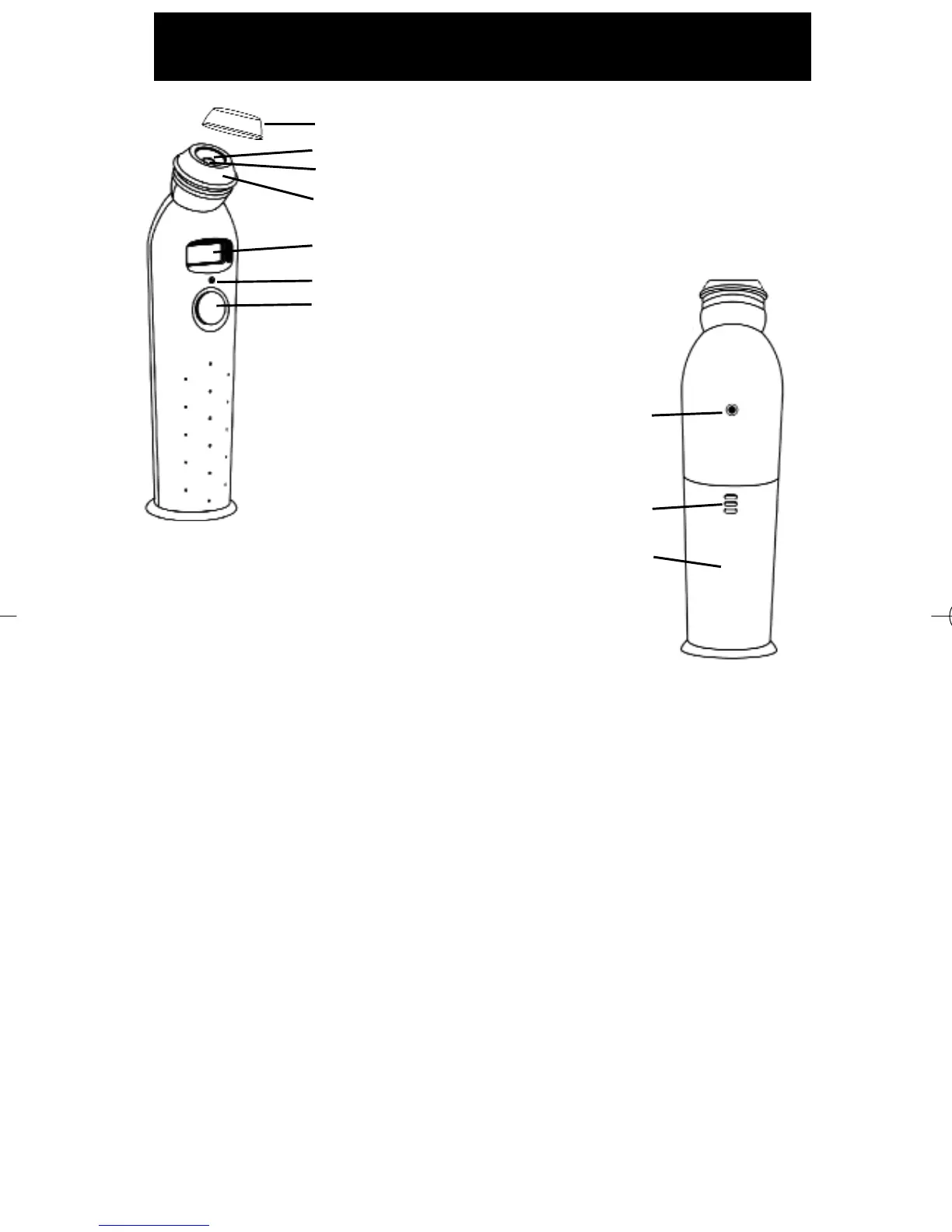
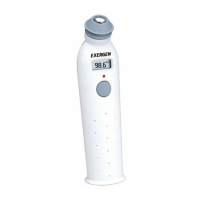
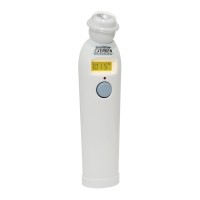
Probe Cone
Probe Sensor Lens
Probe
LCD Display Screen
LED Indicator Light
SCAN Button
Automatic
turn-off in
30 seconds
LED Indicator Light
Thumb-Push Ridges
Battery Compartment
9-volt alkaline battery
z To Scan: Depress the button. The instrument will continually scan for
the highest temperature (peak) as long as the button is depressed.
z Beeping and LED flashing: Beep and LED flashing indicate a rise to a
higher temperature, similar to a radar detector. Slow beeping indicates
that the instrument is still scanning, but not finding any higher temper-
atures.
z Retain Reading: The reading will remain on the display for 30 seconds
after the button is released.
z To Restart: Depress the button to restart. It is not necessary to wait
until the display is clear, the thermometer will immediately begin a new
scan each time the button is depressed.
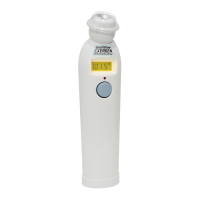
Before Using, Familiarize Yourself with the Instrument
Protective Cap (remove during use)





 To Next Page