TIME---------------------------------------
CALORIE---------------------------------
SPEED------------------------------------
ODOMETER-----------------------------
DISTANCE-------------------------------
PULSE------------------------------------
KEY FUNCTIONS:
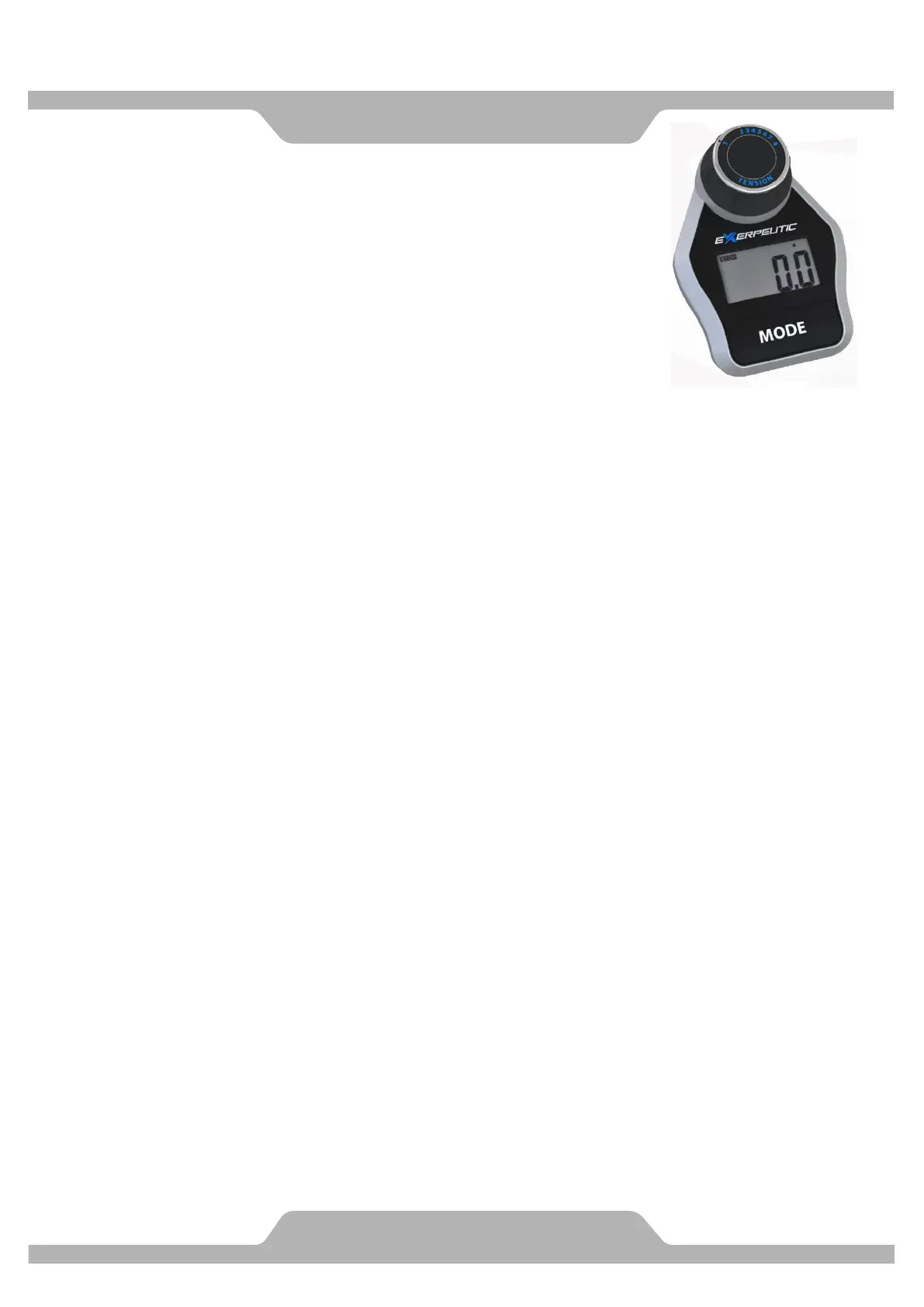
MODE: This key lets you to select and lock on to a particular function you want.
COMPUTER FUNCTIONS:
TIME : Press the MODE key until pointer lock in to TIME. The total working time will be
shown when starting exercise.
SPEED: Press the MODE key until pointer lock on to SPEED Display current speed during
working time.
DISTANCE: Press the MODE key until pointer lock on to DISTANCE . The distance of each
workout will be displayed when starting exercise.
CALORIE :Press the MODE key until pointer lock on to CALORIE The calorie burned will be
displayed when starting exercise.
ODOMETER: Automatically accumulates workout distance when starting exercise.
PULSE: Please press the MODE of health, switch to the" PULSE" function
Through the heart rate sensor, measuring the number of beats per minute
SCAN : Display changes according to the next diagram every 4 seconds.
TIME---SPEED---DISTANCE---CALORIE---ODOMETER--- PULSE---SCAN
HOW TO INSTALL THE BATTERIES:
1. Remove the battery cover at the rear of computer.
2. Place two "SIZE-AAA" batteries into the battery housing.
3. Insure batteries are correctly positioned and battery springs are in proper contact with
batteries.
4. Re-install the battery cover.
5. If the display is illegible or only partial legible, remove batteries and wait 15 seconds before
reinstalling.
(Note: When installed in a battery at the same time, please don't press the button switch)
NOTE:
1.Without any signal coming in 4-5 minutes , the LCD display will be shut off automatically.
2.When there is signal input ,the monitor automatically turns on.
3.If there is a possibility to see an improper display on the monitor, please replace the batteries to
have a good result .You must be to replace the batteries at the same time.
4. Please according to the battery compartment labeled with battery


 To Next Page
 Loading...