English
1×
1.5 s
2 x
1.5 s
1×
1×
1×
Ver. 20231025
Call management
Troubleshooting guide
Theearphones
will not switch on.
Make sure that thebattery is charged.
Refer to theCharging section above.
Thebattery
does not charge.
Make sure that:
• Thecomputer is switched on and not in
standby mode.
• Theadaptor is plugged in to awall socket.
• TheMicro-USB cable is correctly
connected to both theearphones and
thecomputer/adaptor.
Won’t connect
to theexternal
device.
Place theearphones next to thedevice
that you are trying to connect them to.
Make sure that:
• Both devices are switched on.
• TheBluetooth function is enabled on
thedevice you are trying to connect to.
• Make sure that the headset isn’t
already connected to another devise.
If that is the case, turn off Bluetooth on
that device.
Poor or
no sound.
• Adjust thevolume on both your
telephone and theearphones.
• Make sure that theBluetooth
connection has been properly
established.
• Test theplayback from your telephone
before connecting it.
• Try playback using another file or track,
theone you are attempting to play may
be corrupt.
• Make sure that no other wireless
devices are disrupting theBluetooth
connection.
• Make sure that your telephone is within
the10 m earphones receiving range.
Simplified EU Declaration Of Conformity
Hereby, Clas Ohlson AB declares that the radio equipment type
Andesite is in compliance with Directive 2014/53/EU.
The full text of the EU declaration of conformity is available at the
following internet address: www.clasohlson.com
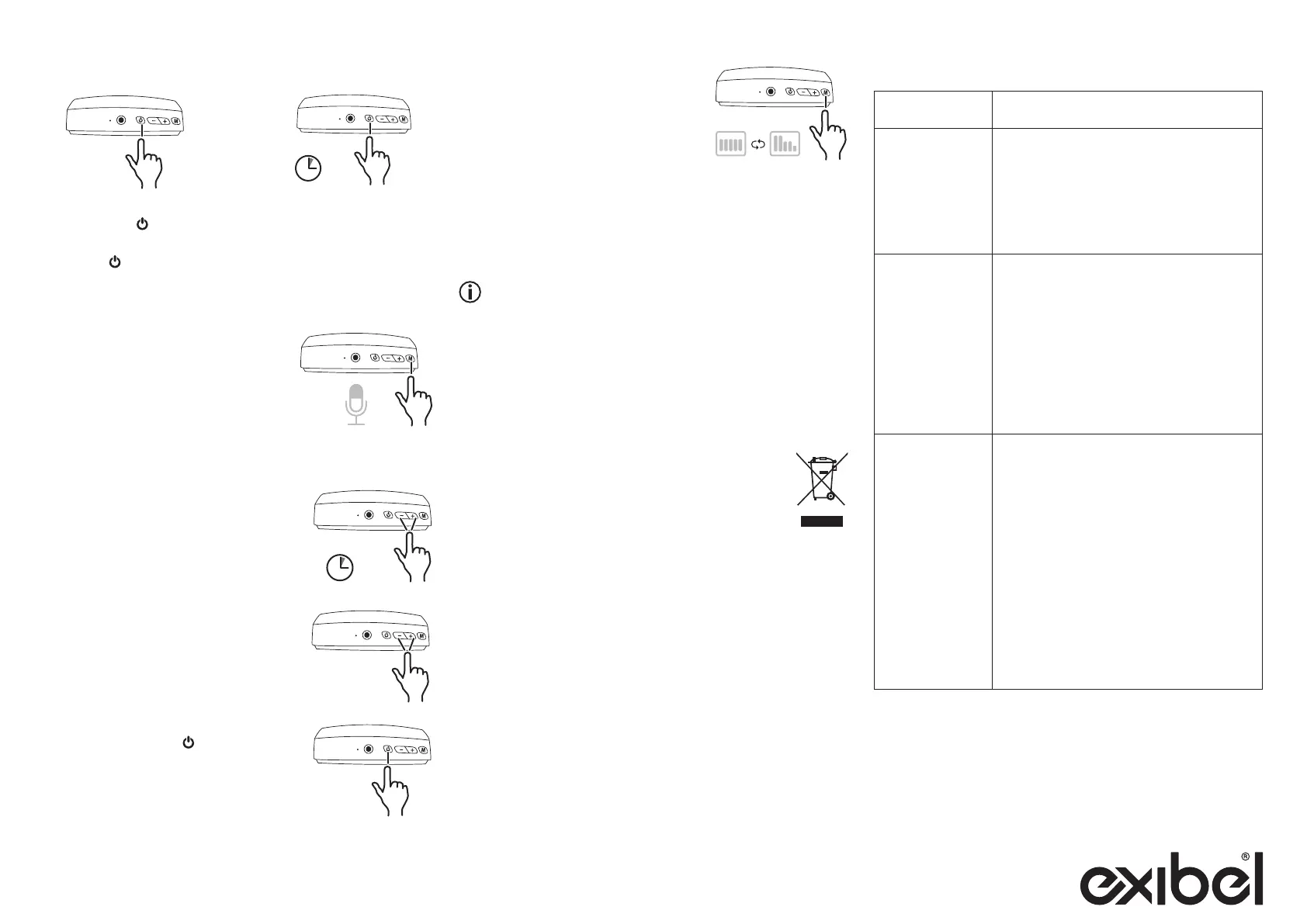
• Answering anincoming
call: Press [ ] once.
• Ending acall:
Press [ ] once.
• Rejecting anincoming
call: Hold [ − ] for 1.5
seconds.
Voice control
Note: Applies only to certain phone models.
During playback, thevoice control
feature of your phone can be
activated by pressing [ M ] twice.
Audio listening
Note: Applies only to certain phone models.
• Go to thenext track:
Hold [ + ] for 1.5 seconds.
• Go to theprevious track:
Hold [ − ] for 1.5 seconds.
• Increase thevolume: Press [ + ] once.
• Decrease thevolume: Press [ − ] once.
Connecting an external device via audio cable
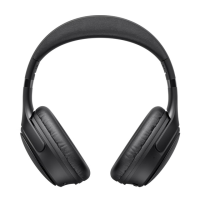
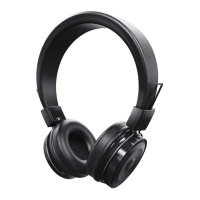
1. Connect a3.5 mm audio cable between theheadphones
and your external device (The headphones are automatically
switched off if they are on).
2. Start playback and adjust thevolume on your externaldevice.
You cannot use the buttons on theheadphones when
anexternal device is connected via thecable.
Care and maintenance
Clean theheadphones using alightly moistened cloth. Useonly
mild cleaning agents, never solvents or corrosive chemicals.
Responsible disposal
This symbol indicates that this product should not
be disposed of with general household waste. This
applies throughout theentire EU. In order to prevent any
harm to theenvironment or health hazards caused by
incorrect waste disposal, theproduct must be handed
in for recycling so that thematerial can be disposed of
in aresponsible manner. When recycling your product, take it to
your local collection facility or contact theplace of purchase. They
will ensure that theproduct is disposed of in anenvironmentally
sound manner.
Specifications
Bluetooth V 5.3
Range 10 m
Charging time 2–3 hours
Listening time up to 55 hours (60% volume)
Talk time up to 43.5 hours (60% volume)
Standby up to 71.5 hours
Battery 500mAh Li-ion polymer
Max output 8 mW
Weight 205 g
• Play/pause: Press [ ] once.
Equalizer
• Press [ M ] once to switch to the
equlizer mode with more base and
less treble.
• Press [ M ] once more to switch
back to the original equlizer mode.


 To Next Page
 Loading...