10
LED Camera Status Display
Battery Level Icon
Green: >66%
Yellow: 33 - 66%
Solid Red: 15-33%
Blinking Red: <15%
*Battery Icon should show GREEN at all time with proper power
Signal Level Icon
Green: 4-5 bars
Yellow: 2-3 bars
Red: 0-1 bar
*The Rival must have a min of 2 bars of service for function. Like
any cellular device, overall function and performance will be
dictated by the available signal.
Connectivity Level Icon
Blinking Green: Attempting to connect
Solid Green: Successful connection and properly registered
Yellow: Successful connection but improperly registered
Red: No connection (No Sim Card, No signal, Inactive, etc)
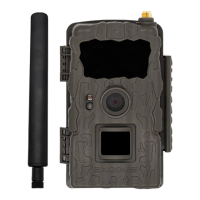
Rival System Status - Front LED
Solid Red: No SD
Blinking Red: Firmware is updating
Solid Green: PIR detection - this is only active for 60 seconds
when the Rival is rst powered ON
Blinking Green: Rival is armed and set to go active


 To Next Page