8
Website
Go to www.scoutek.com and Sign In
Click the Register Camera button
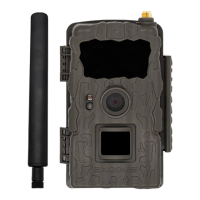
Select Exodus Rival A
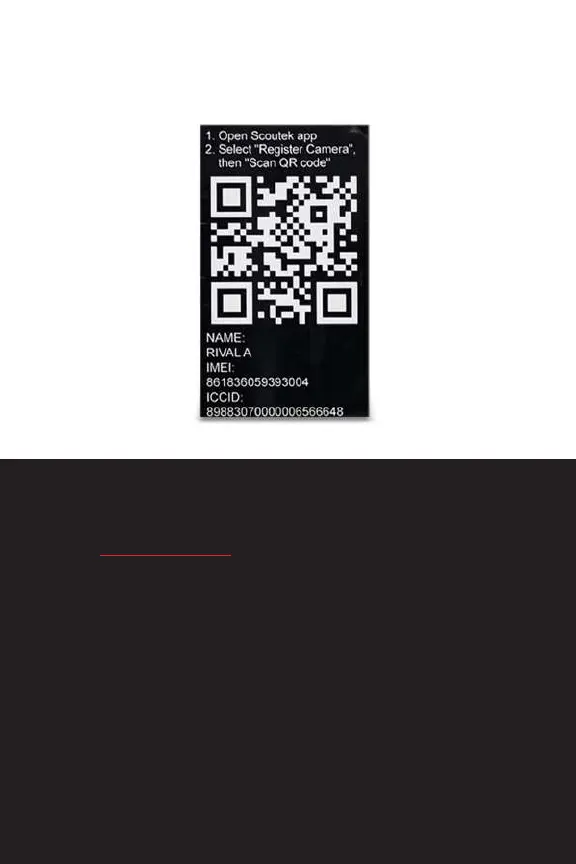
Referencing the QR code sticker inside the camera housing,
enter the required information
Name your camera and click Register Camera
*If you have multiple cameras to register click Register Another
Once all cameras have been registered, click Activate for each
Select the desired data plan
Proceed through the checkout process
Once activation is completed you will be notied with an
activation successful status.
activation QR


 To Next Page