7
T
ABLE
1: KT-9 controls and features
# Item Description
1
LCD Display Up to 5 large characters can
be displayed making it easy
to read under a variety of
conditions
2
Right Button Multiple functions:
– main control
– mappable to LEFT function
– ON switch
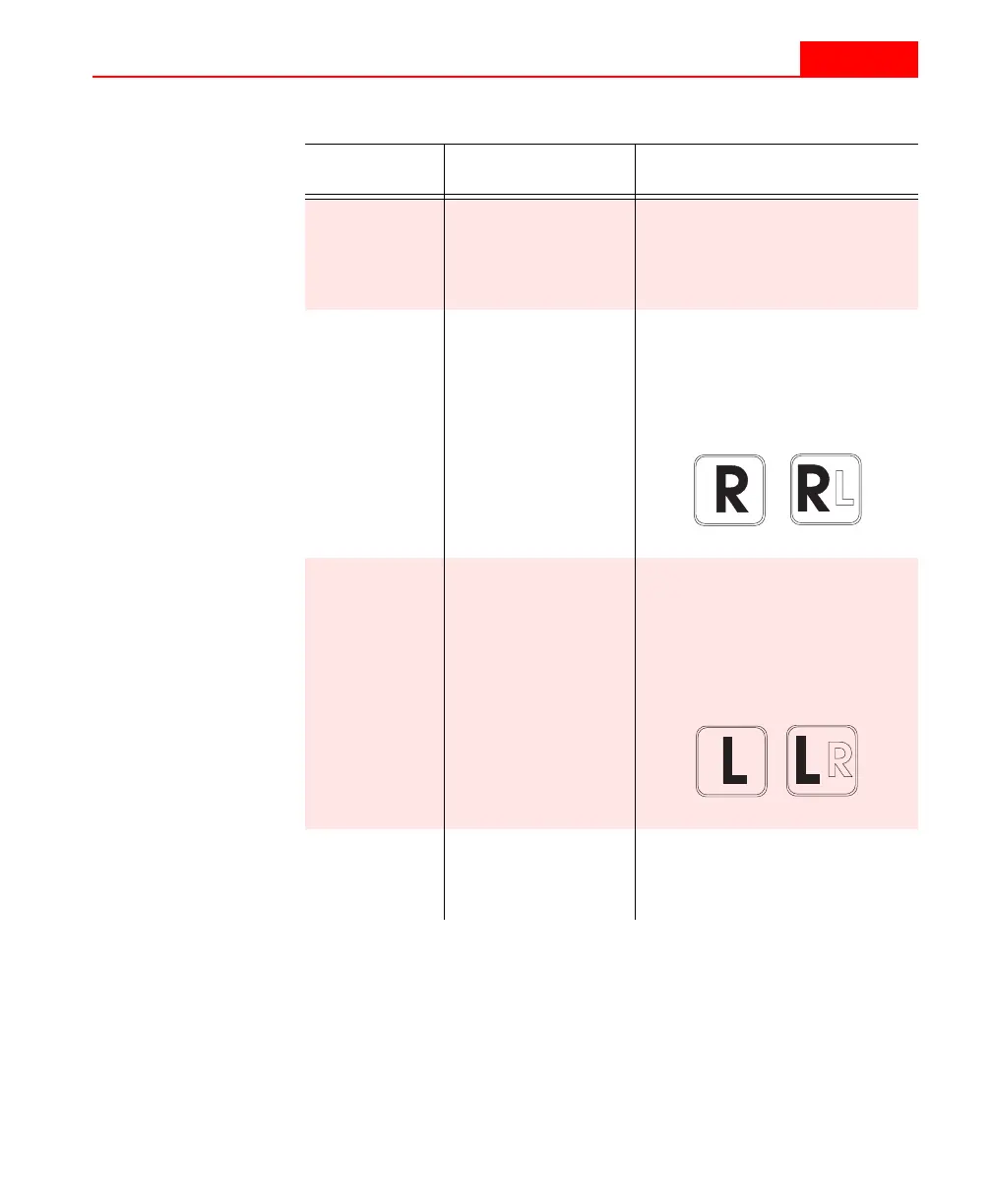
– referred to by these icons:
3
Left Button Multiple functions:
– menu selections
– mappable to RIGHT function
- OFF switch, when pressed at
the same time with the RIGHT
– referred to by these icons:
4
Sensor Head This is the active face of the
instrument when using the
internal sensor coil.
7
T
ABLE
1: KT-9 controls and features
# Item Description
1
LCD Display Up to 5 large characters can
be displayed making it easy
to read under a variety of
conditions
2
Right Button Multiple functions:
– main control
– mappable to LEFT function
– ON switch
– referred to by these icons:
3
Left Button Multiple functions:
– menu selections
– mappable to RIGHT function
- OFF switch, when pressed at
the same time with the RIGHT
– referred to by these icons:
4
Sensor Head This is the active face of the
instrument when using the
internal sensor coil.



 To Next Page