8
© 2017 Explore Scientific
®
, LLC.
1010 S 48th Street, Springdale, AR 72762
exploreone.com | 866.252.3811
All rights reserved. Made in China.
CONFORMS TO THE SAFETY
REQUIREMENTS OF ASTM F963
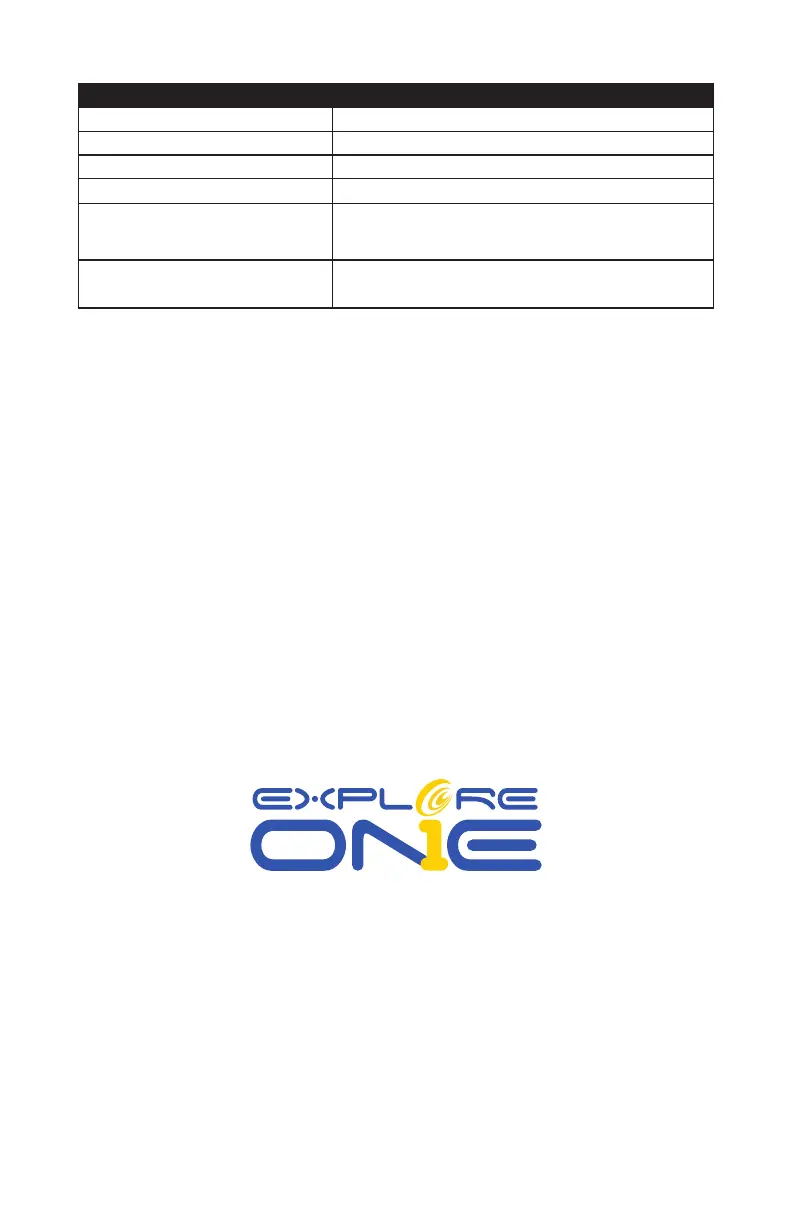
Troubleshooting Guide:
Problem Solution
No picture Remove dust protection cap and sun-shield from the objective opening.
Blurred picture Adjust focus using focus ring.
No focus possible Wait for temperature to balance out.
Bad quality Never observe through a glass surface such as a window.
Viewing object visible in the finder, but not
through the telescope
Align finder to telescope (see instructions)
Despite using star diagonal prism the picture is
“crooked”
The star diagonal prism should be vertical in the eyepiece connection.
Colors and styles may vary.


 To Previous Page