EasyManua.ls Logo

Explore Scientific WSH4002 - Page 6

Explore Scientific WSH4002
72 pages
Print Icon
To Next Page IconTo Next Page
To Previous Page IconTo Previous Page
Loading...
6
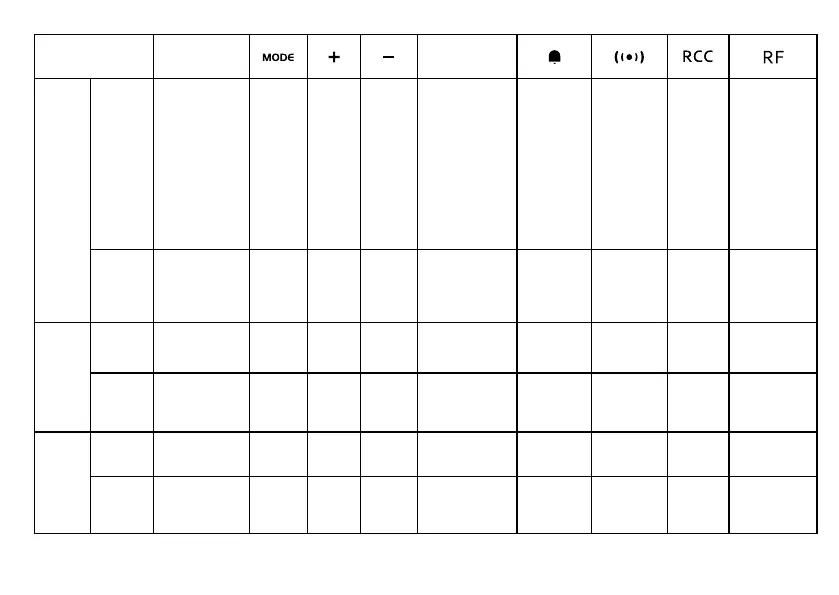
BUTTON
MODE
LIGHT / SNOOZE
MEM
Standard
mode
PRESS
Turn on backlight
for 8 seconds
(SNOOZE when
alarm is ringing)
_______ _______ _______
Toggle the display
among current,
maximum and
minimum record
-
ing of tempera-
ture/humidity
Turn Alarm
on/off
Stop alarm
(ringing)
T
oggle
between time
and alarm
display
Initiate
RCC
receiving
Toggle between
outdoor sensor
channel 1-3.
HOLD _______
Enter into
time
and date
setting
_______ _______
Clear the max/min
memory records.
_______
Enter into
alarm setting
Turn RCC
on/off
Initiate outdoor
sensor search.
Time
setting
mode
PRESS
_______
Conrm
setting
Increase Decrease
_______ _______ _______ _______ _______
HOLD
_______ _______
Quick
Increase
Quick
Decrease
_______ _______ _______ _______ _______
Alarm
setting
mode
PRESS
_______ _______
Increase Decrease
_______ _______ _______ _______ _______
HOLD
_______ _______
Quick
Increase
Quick
Decrease
_______ _______ _______ _______ _______

Table of Contents

Related product manuals