16
By pressing the manual mode is activated. To start
dispensing:
Press to start dispensing and press it again to stop
dispensing.
Insert the flter holder until press the grinding start
key; remove the flter holder to release the grinding
start key and stop dispensing.
By pressing the keys or the appliance returns to
the relative dispensing mode.
Note:
It’spossibletostoptheautomaticdispensingbeforeit’sfnished thegrindingtime.Duringdispensing,press
withtheflterholderthegrindingstartkeytomanuallystopdispensing:
Press the grinding start key to resume delivery for the remaining time.
Press the dose button (blinking) to stop dispensing. The grinding time returns to the set value.
i
“Manual Mode” dispensing mode activation
From the dispensing programmed doses screen, long press the button to reset partial counters of doses
delivered.
By pressing both keys and the time dispensing
setting in locked. On the display appear the lock icon.
Press again both keys and to unlock the
appliance functions.
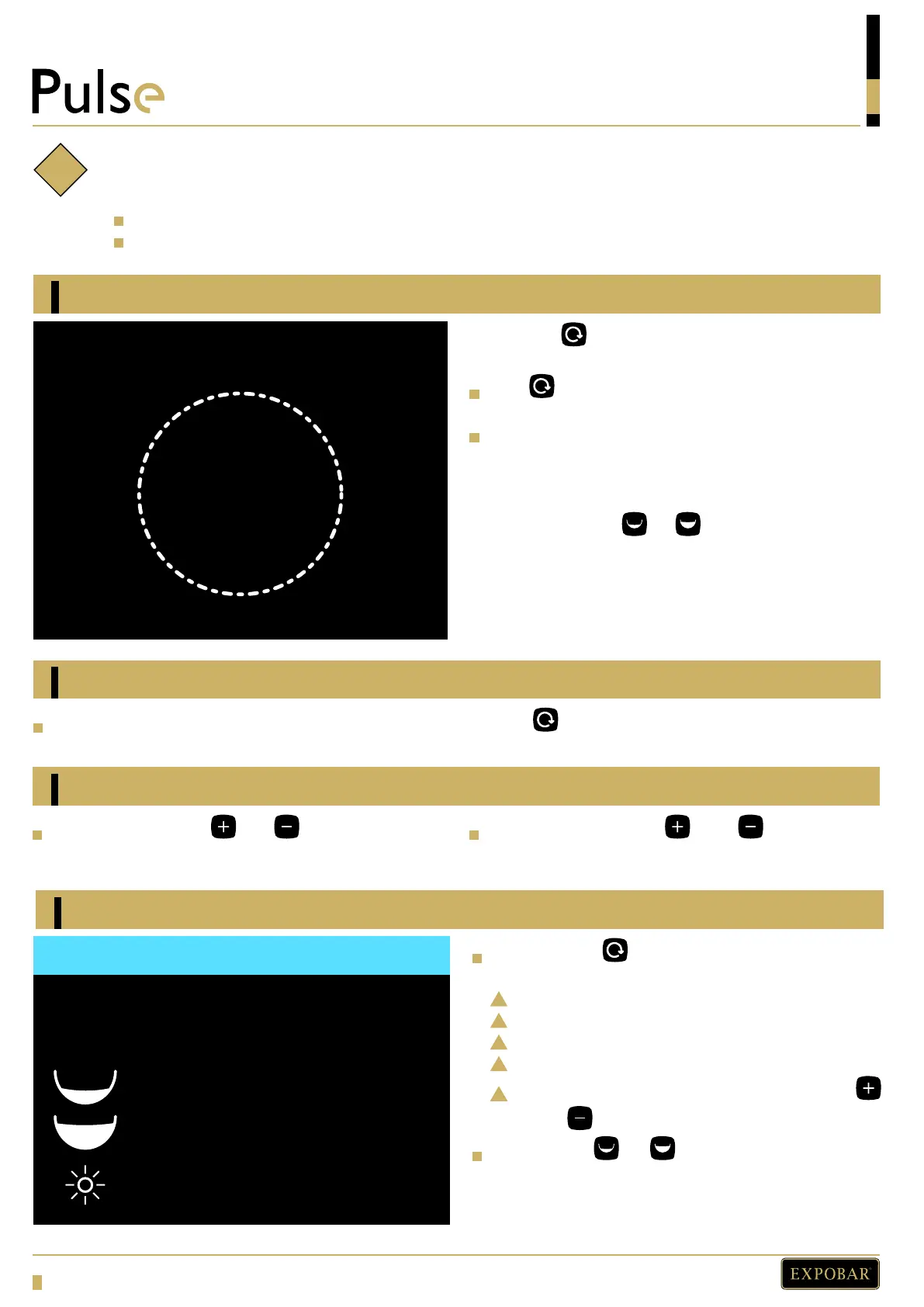
Press the key and switch on the appliance, to
access the following screen:
Appliance model.
Firmware version.
1 and 2 dose total counter (cannot be reset).
Counter total of manual grind time.
Display brightness, adjustable with the keys
and .
Press the key or to return to the dispensing
dose screen.
INFO
Model: PULSE
Firmware: X.XX
0
3
100% Time: 0
Resetting dose counters
Function block
Enter service menu
PROGRAMMING
3.5 s
MANUAL MODE


 To Next Page