This document is considered an uncontrolled copy when printed. Always ensure that you print and use a current version.
Copyright 2021 ExRobotics B.V.
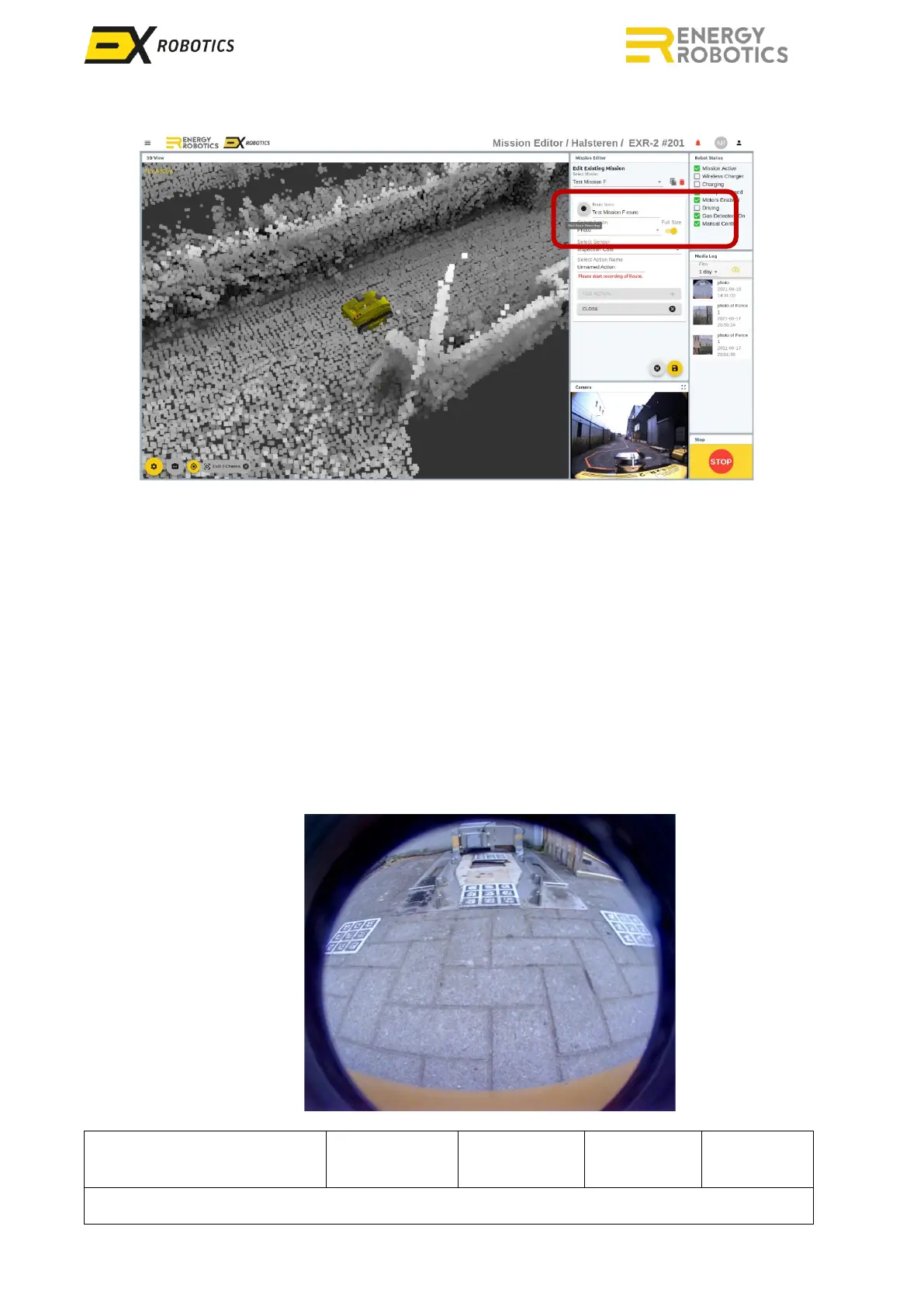
8. Give a unique name and click the black circle icon to start recording
9. The button will turn red indicating that recording is in progress
10. Start navigating through the environment until you reach your first waypoint.
11. You have three options: photo, video or waypoint.
12. For photos and videos, you may need to rotate the inspection module panning as described
in Section 5.2. Once the POI is in the Field of View (FoV), you can take a video, a full-size
picture, or a framed picture as described in Section 5.2. Then give a name to the POI
(possibly a tag number) and click on “Add action”.
13. For a waypoint, give a name to your waypoint and click the yellow button "Add action".
14. Actions will appear in a list below.
15. Repeat these steps until you’ve covered all of the POIs.
16. Drive back to the docking station and stop 1m before the docking station, see image.



 To Next Page