This document is considered an uncontrolled copy when printed. Always ensure that you print and use a current version.
Copyright 2021 ExRobotics B.V.
.
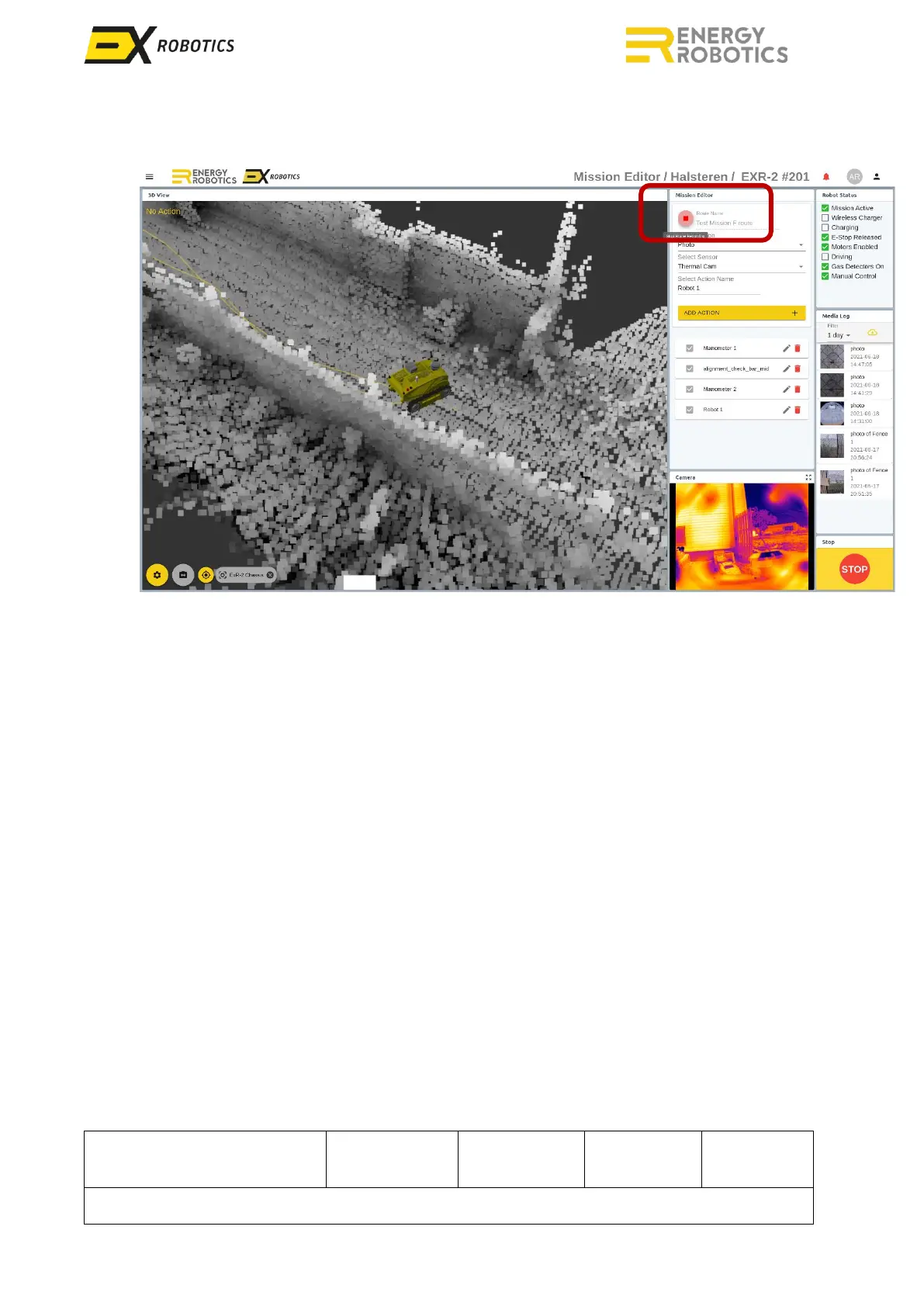
17. Click on the red button to stop recording the mission
18. Accept the confirmation dialog
19. Your mission is now saved
20. Drive over the docking station to charge the robot and wait for the "Mission Active" box the
get unticked
For the robot to repeat the taught mission:
1. Change to the “Driver Screen”
2. Select the mission from the “Robot Control” list
3. Click the “Play” icon.



 To Next Page