6
2. Installing Drivers for (32-bit and 64-bit) Win7, 8.x, 10, XP, Vista,
2008, 2003 and 2000:
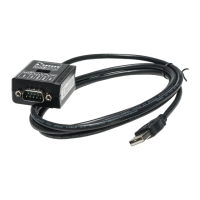
Insert the Driver CD supplied with the Adapter Cable.
Run (or double click) the Installer Program (e.g.CDM20824.exe ) in
the following folder of the driver CD:
\USB_to_IO\FTDI\(32_64bit)Win7_8_XP_Vista_2008_2008R2_2003
_2000
Follow the instructions of the installer program to complete the setup
procedures.
Plugging the Adapter Cable will hook the drivers into the Windows
kernel automatically.
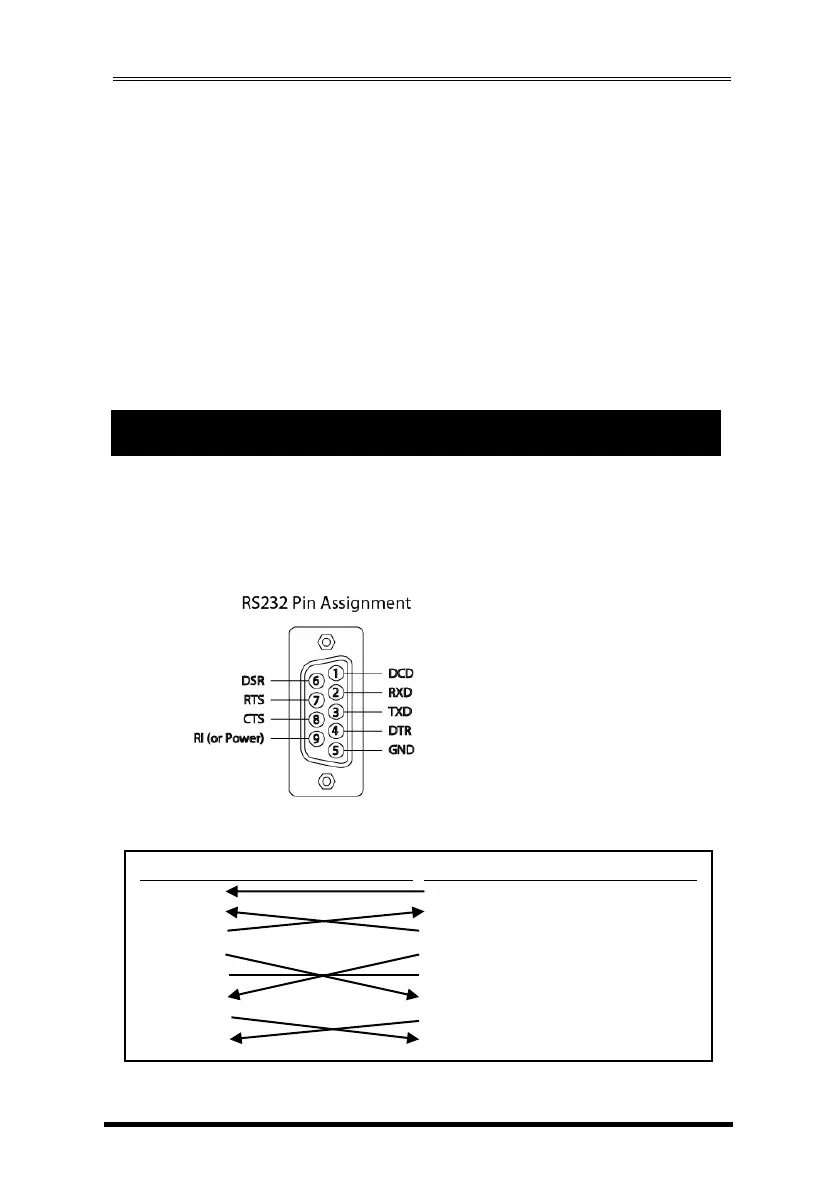
The pin assignment of the DB9 male connector of the Adapter Cable is
dependent on its operation modes. Please refer to the following figure for the
corresponding mode:
1. RS232 Pin Assignment:
RS232 DB9(Male) to DB9(Male) Wiring:


 To Next Page