BR200-BR250 V4.3 8/09
6
Connect the USB Cable
Use the USB cable to connect the monitor to a PC. The USB online icon will appear
on the PC. Open My Computer on the PC, and locate the Mobile Disk. The
Mobile disk can be used and accessed in the same manner as any external hard
drive.
Video Output
Insert the video cable into the VIDEO OUT socket on the monitor. Insert the other
end of the cable into the VIDEO IN jack of a TV or other monitor. The LCD Monitor
will output a high quality video image.
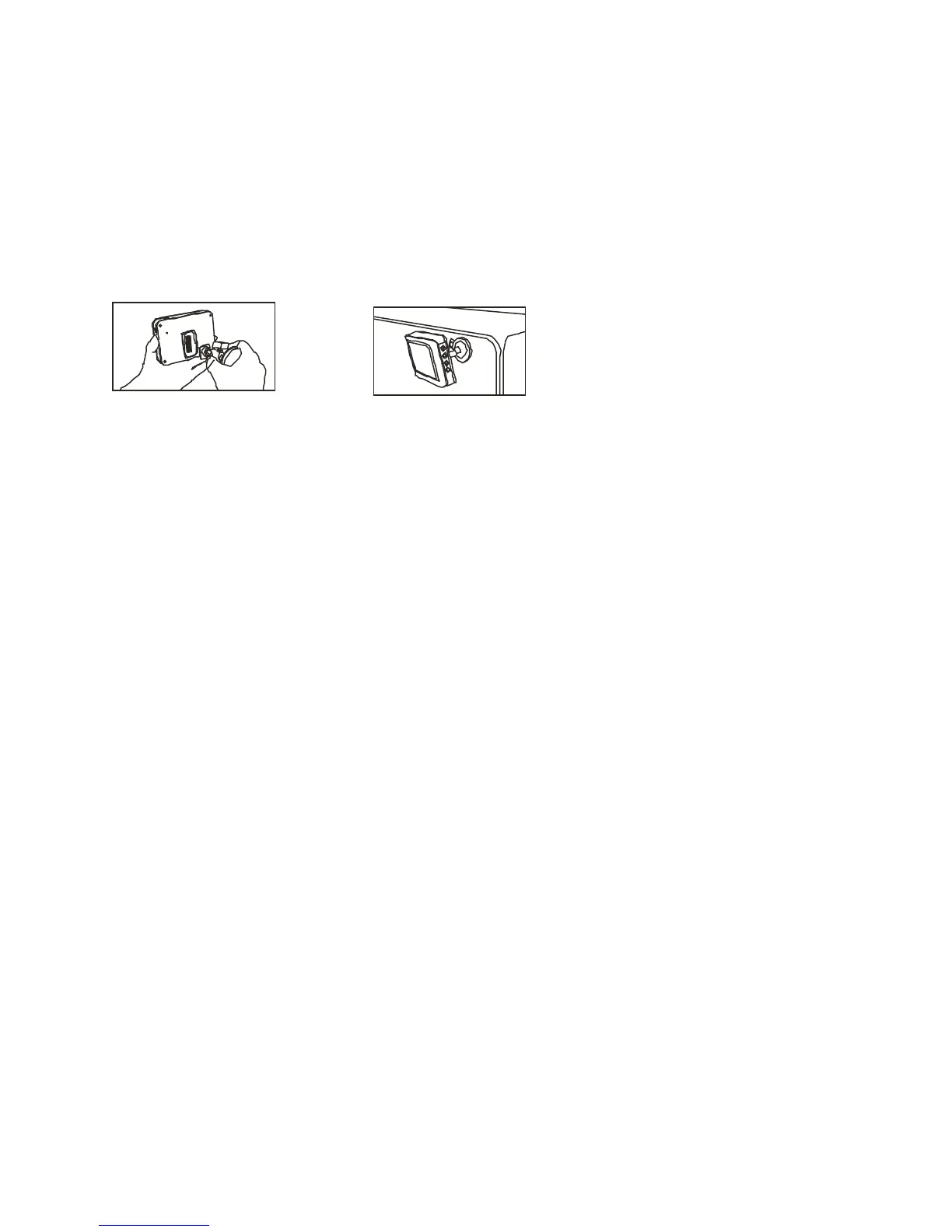
Installing the Magnetic bracket
The magnetic bracket slides onto the rear of the monitor for convenient placement
and viewing.


 To Next Page