Need help?
Do you have a question about the Exterity AvediaPlayer r92 Series and is the answer not in the manual?
Details the purpose of this guide in showing how to install the AvediaPlayer receiver using available kits.
Specifies the manual is intended for installation engineers qualified to fit electrical equipment.
Explains how mounting kits and enclosures enable secure receiver and cabling installation.
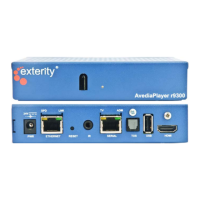
Describes the AvediaPlayer r92xx as network devices displaying IP delivered MPEG-2 transport streams on a TV.
Details the HDMI v1.3a video and audio output support for the receiver.
Explains power requirements, especially for Secure Wall installation using Power over Ethernet (PoE).
Covers options for remote control, including tethered handsets or IR extenders for obscured IR windows.
Refers users to the Administrator's Guide for operating information and device management.
Details attaching the receiver to various TVs using the small TV mounting plate (VESA MIS-E).
Explains attaching the receiver to TVs using the large TV mounting plate (VESA MIS-F).
Describes fitting the protective enclosure over the receiver and cabling for security.
Provides instructions on mounting the AvediaPlayer receiver assembly to a TV or display.
Lists the supplied components for the secure wall fitting, including the back box and mounting bracket.
Outlines the step-by-step process for installing the AvediaPlayer receiver into the wall cavity.

 To Next Page

 General