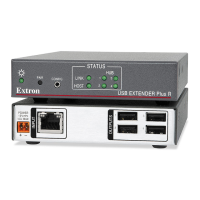
DTP HDMI 230 Tx/Rx Transmitter and Receiver • Installation and Operation 5
e Power input connector — Plug the included external 12 VDC power supply into
either this 2-pole connector or the power input connector on the receiver (item
j
on
page 6). See Power supply wiring on page 9 to wire the connector.
NOTES:
• One power supply is included with the transmitter and normally can power
both units.
• If you have removed the ground jumpers (see Disconnecting the Ground
on page 12) because of ground potential differences, one DTP HDMI 230
unit cannot remotely power the other unit. Each unit requires a local power
supply.
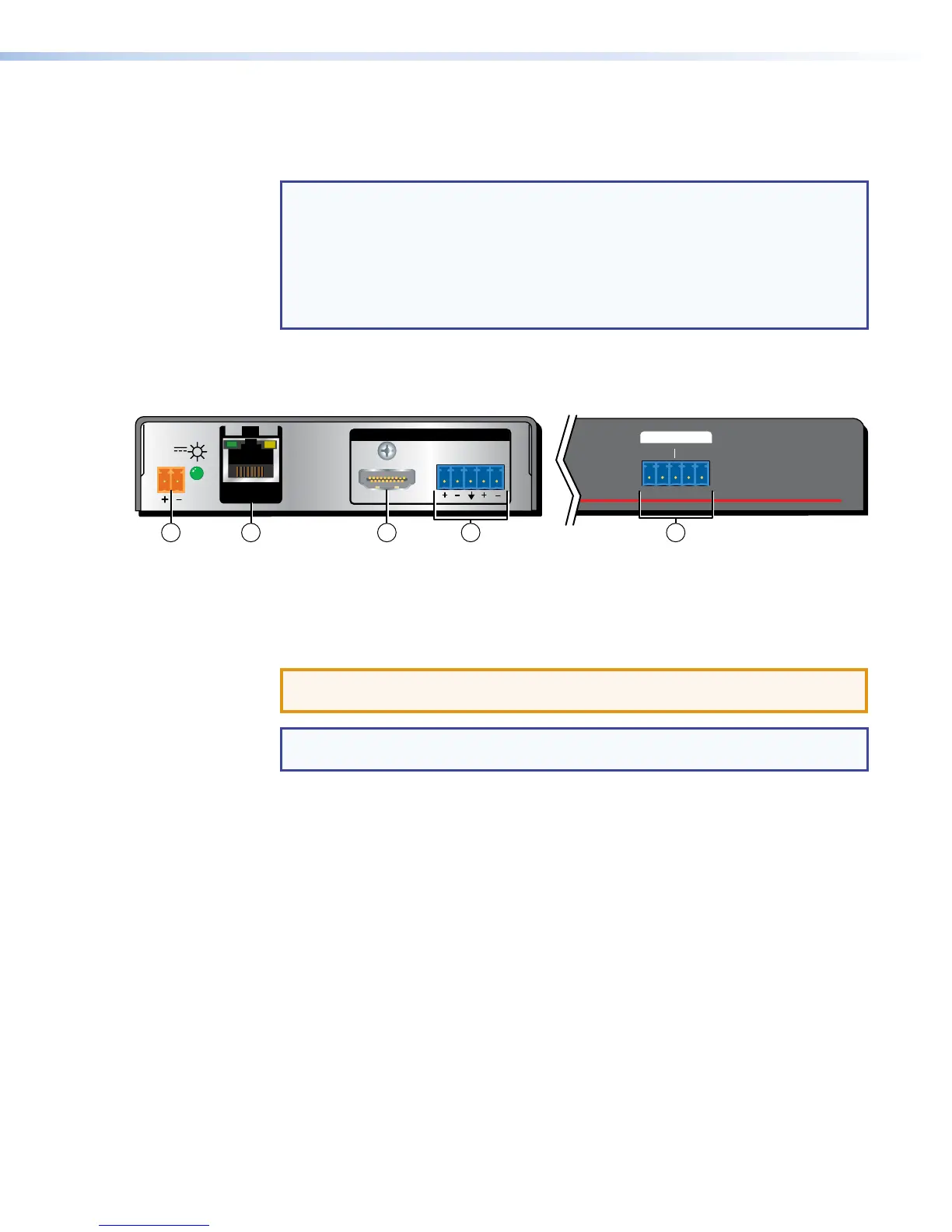
Receiver Connections
.
DTP HDMI 230 Rx Rear Panel
Front Panel
DTP HDMI 230 Rx
RS-232
IR
Tx Rx Tx RxG
LR
POWER
12V
0.7A MAX
AUDIO
SIG LINK
DTP IN
OUTPUTS
OVER DTP
98
10 6 7
Figure 3. DTP HDMI 230 Rx Connectors
f DTP Input RJ-45 connector — Connect one end of the TP cable from the transmitter
output connector to this RJ-45 female connector. Ensure the opposite end of this
cable is connected to the transmitter DTP Output RJ-45 connector (see item d on the
previous page).
ATTENTION: Do not connect this device to a computer data or
telecommunications network.
NOTE: See TP cable termination on page 7 to properly wire the RJ-45
connectors and for detailed NOTES.
Signal LED — This LED lights when the unit is receiving a TMDS clock signal on the
HDMI input (transmitter) or any valid signal on the DTP In connector (receiver).
Link LED — This LED lights when a valid link is established between the units on the
DTP input and output cable.
g HDMI output connector — Connect a display with an HDMI input port (or DVI input
port, with an appropriate adapter) to display the transmitted direct digital image.



 To Next Page