Extron DTP T UWP 4K D Series • Reference Information 23
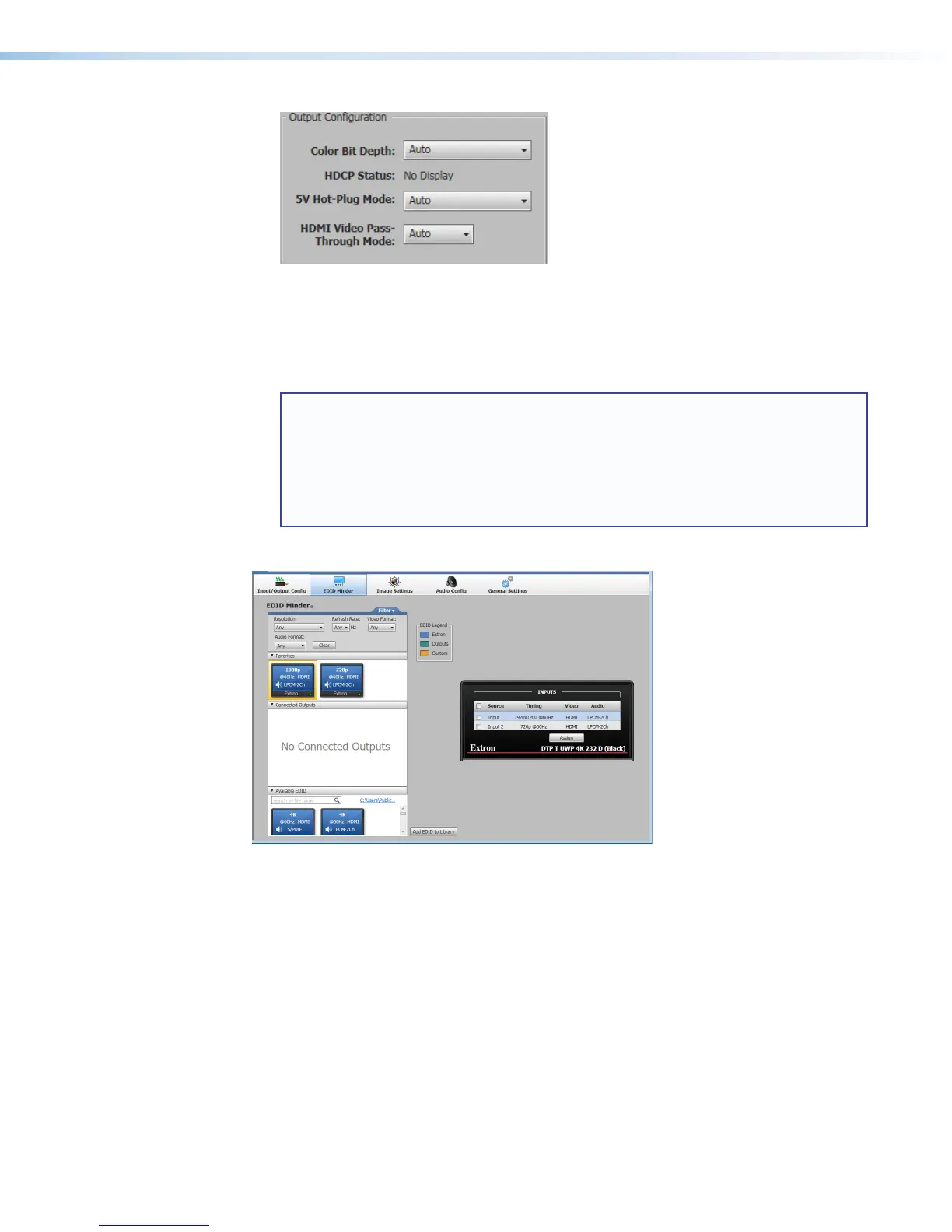
• Color Bit Depth — Options include Auto (default) or Force 8-bit
• HDCP Status — Shows the HDCP status of the display connected to the receiver
• 5V Hot-Plug Mode — Options include Auto or Enabled (default)
• HDMI Video Pass-Through Mode — Enabling this option sets the HDMI input to
pass-through a 4K30 signal unaltered. The default setting is Auto.
NOTES:
When Pass-Through mode is enabled:
• Audio cannot be embedded.
• Neither audio nor video can be muted.
• If audio embedding or audio or video mute is selected in PCS, the software will
display the changed settings, but the operation of the unit will be unaffected.
EDID Minder
Extron EDID Minder is an EDID management process that automatically manages the EDID
information between a digital display device and one or more input sources.
The EDID Minder tab contains options to assign EDID to an input, import non-factory
default EDID into the PCS software EDID library, and save the EDID from a connected
DTP T UWP 4K D user-assigned memory slot. You can also view the resolution, refresh rate,
and audio support of all of the EDID located locally in the PCS EDID library.
EDID Minder panels
• Filter — Displays various filters that can be enabled to easily locate specific EDID
• Favorites — Displays commonly used EDID which can be added to the panel for quick
access
• Connected Outputs — Displays the EDIDof output (color-coded green) that has been
connected to the Loop-Thru port of the DTPHDDA 4K unit



 To Next Page