Device Configuration
Devices are shipped in storage state with below default configurations unless ordered with
custom configurations,
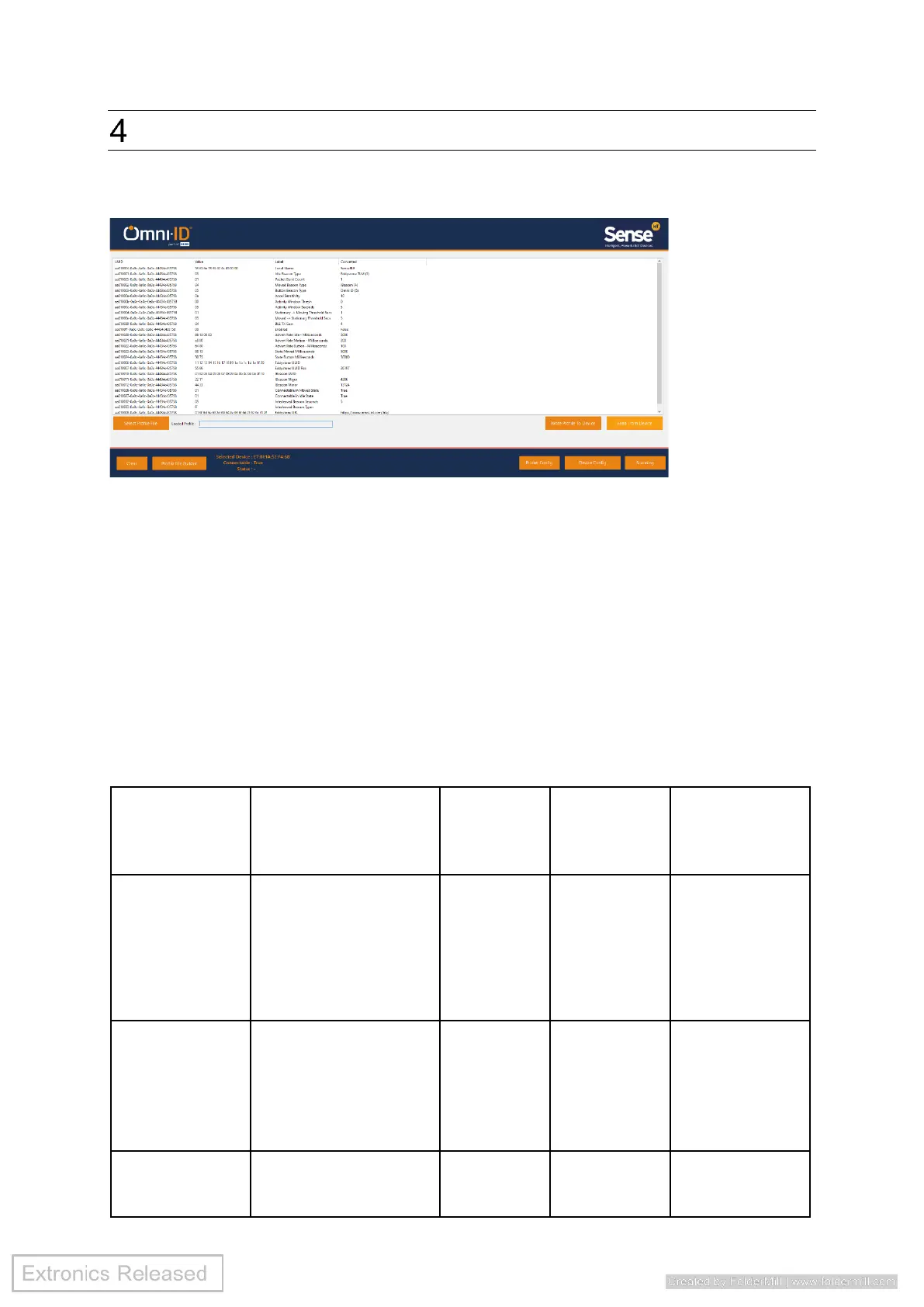
Device can be configured over the air by loading configuration file to the device using the
supplied PC APP (SenseBLE Control).
SenseBLE control is windows-based APP and requires TP Link UB5A USB Dongle.
Config Service
Once connected A custom service is used to configure the device.
Uses a 128Bit UUID:
AAXXYYYY-0A0C-0A0C-0A0C-44434C435758
Where AAXX is the service ID, the config service being AA01 and YYYY is 0000 for this
service. With YYYY starting and 1 and incrementing for each characteristic.


 To Next Page
 Loading...