- 4 -
Data Transfer Unit
Model: V519
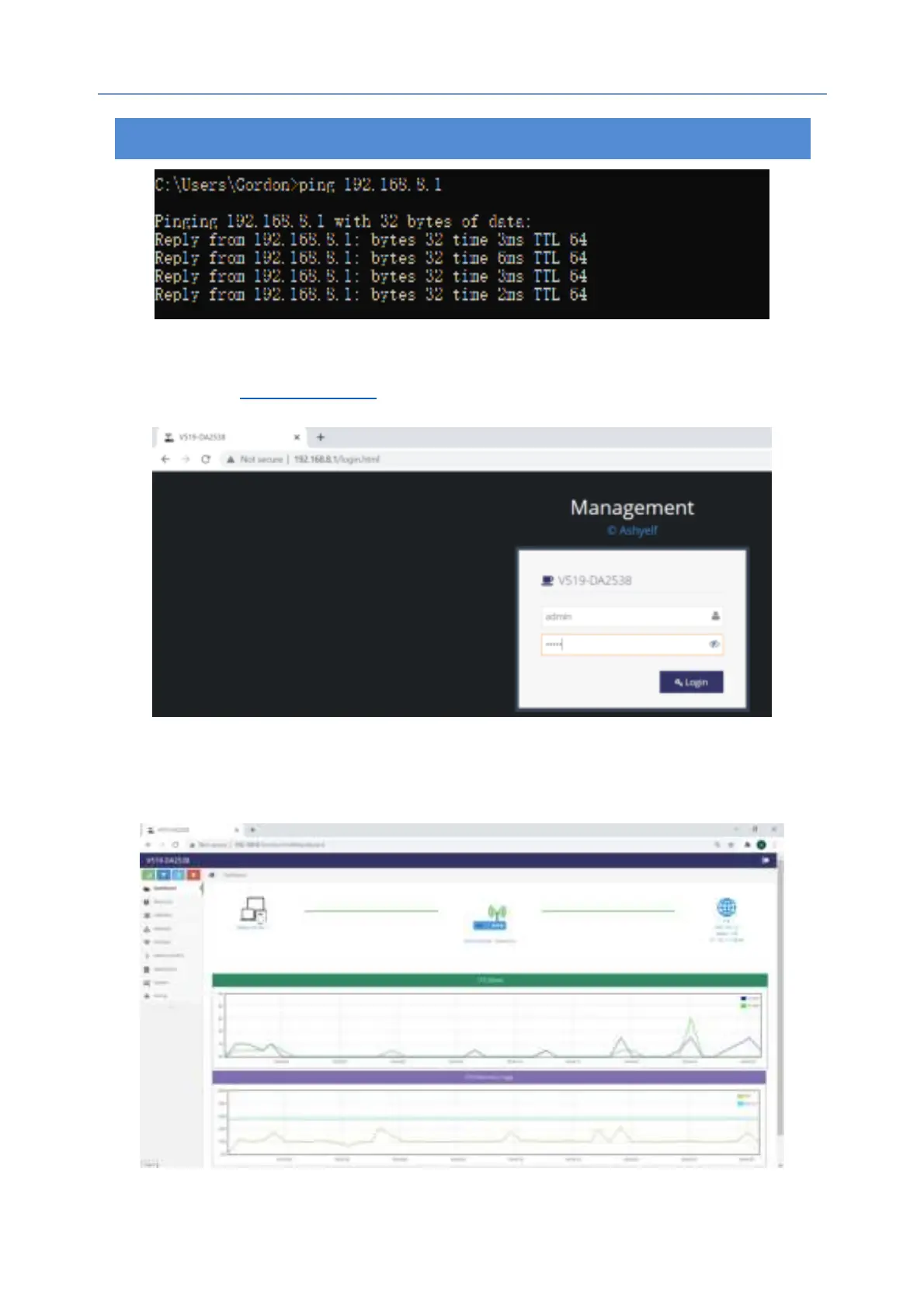
2.5 Access router from browser
Start a browser like Chrome, Firefox, Edge etc.
Enter
http://192.168.8.1 in the address column
Enter username and password (admin by default) and it’s shown as below:
After login, you will be able to configure and manage this router.
3
.
Dashboard


 To Next Page