- 7 -
Data Transfer Unit
Model: V519
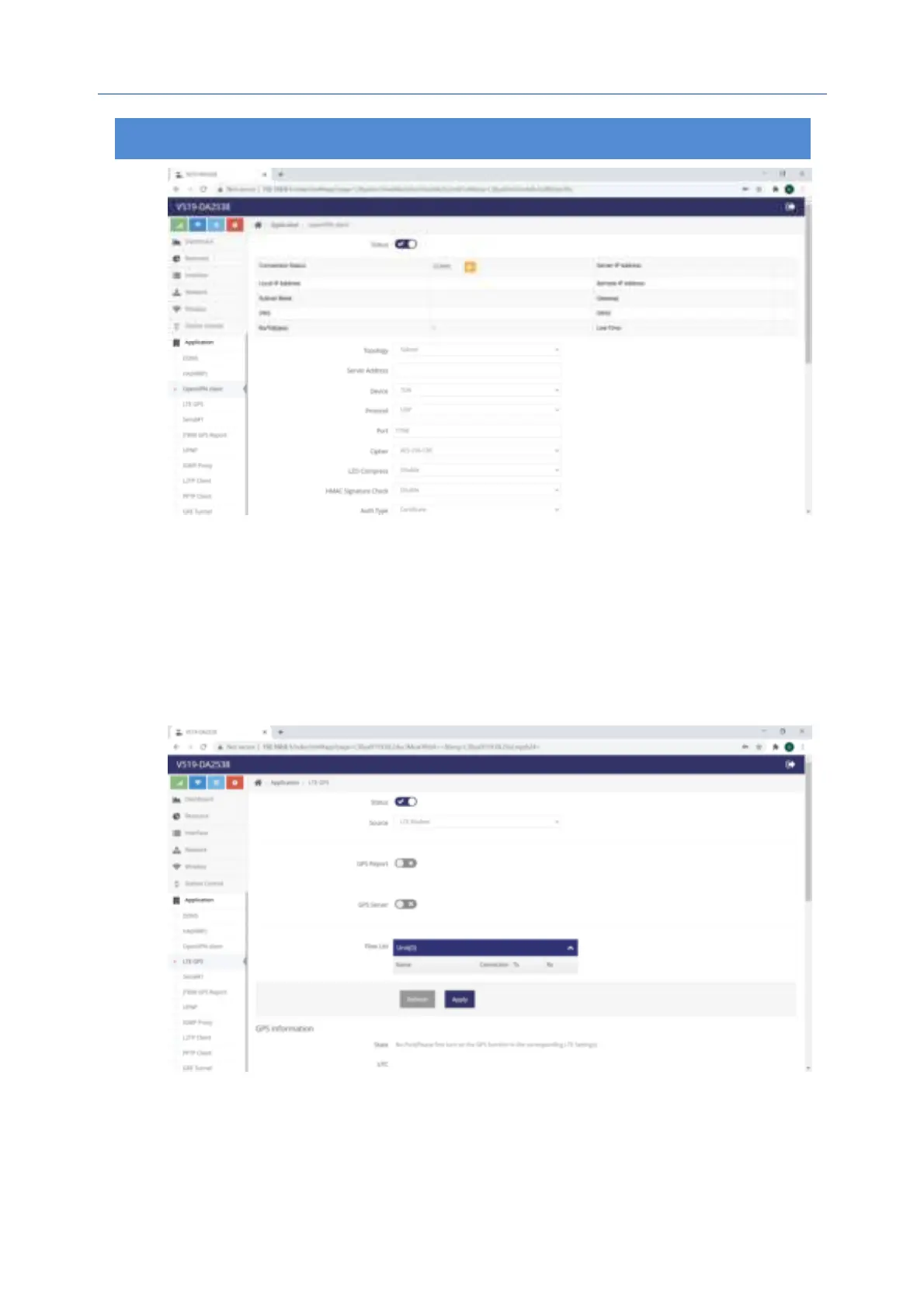
6.2 LTE GPS
LTE GPS is one of optional features because it uses the GPS built-in the 4G
modules. If it’s required to enable GPS, please go to Network-->LTE-->GPS and
enable GPS. If it positions successfully, you will see the map below.
6.2.1 GPS Data Upload
It allows users to upload GPS data to the assigned server:
6.2.2 GPS Server
Once enabled, GPS data will be broadcasted via the assigned port. But for
the terminal connected to the router, all you have to do is to open the


 To Next Page