7
PLEASE REGISTER TO ACTIVATE YOUR PRODUCT’S WARRANTY.
MeMoRy CaRd InstallatIon:
to Install the sd CaRd (Sold separately)
1. To access the user interface and insert a SD card, lift up on the front of the locking
latch located on top of the camera head. After the latch is disengaged, the camera
head should pivot down freely. note: if the camera head does NOT pivot or move
freely, loosen the tension adjusting screw located on the right side of the camera. Do
not force the camera head. If it does not move freely, you must loosen the adjusting
screw.
2. Insert the SDHCcard with the logo of the SD card manufacturer facing out or away
from the LCD screen. The SDHC card should slide in freely with little resistance.
Continue pressing the card down until
you hear a click. This means the SD card is
locked in place and ready for use. Press it
once to remove.
note: We do not recommend using
cards that came out of a camera from a
dierent CameraManufacturer or one
that has previously been used in a Point
&Shoot camera. If you have, make sure to
do a full format on a PC, a Quick format
will not remove les or information, or resolve problems. Your CROSSFIRE might not
be able to accept or read the SD card properly. Always format even brand new SDHC
cards; a full format is again recommended.
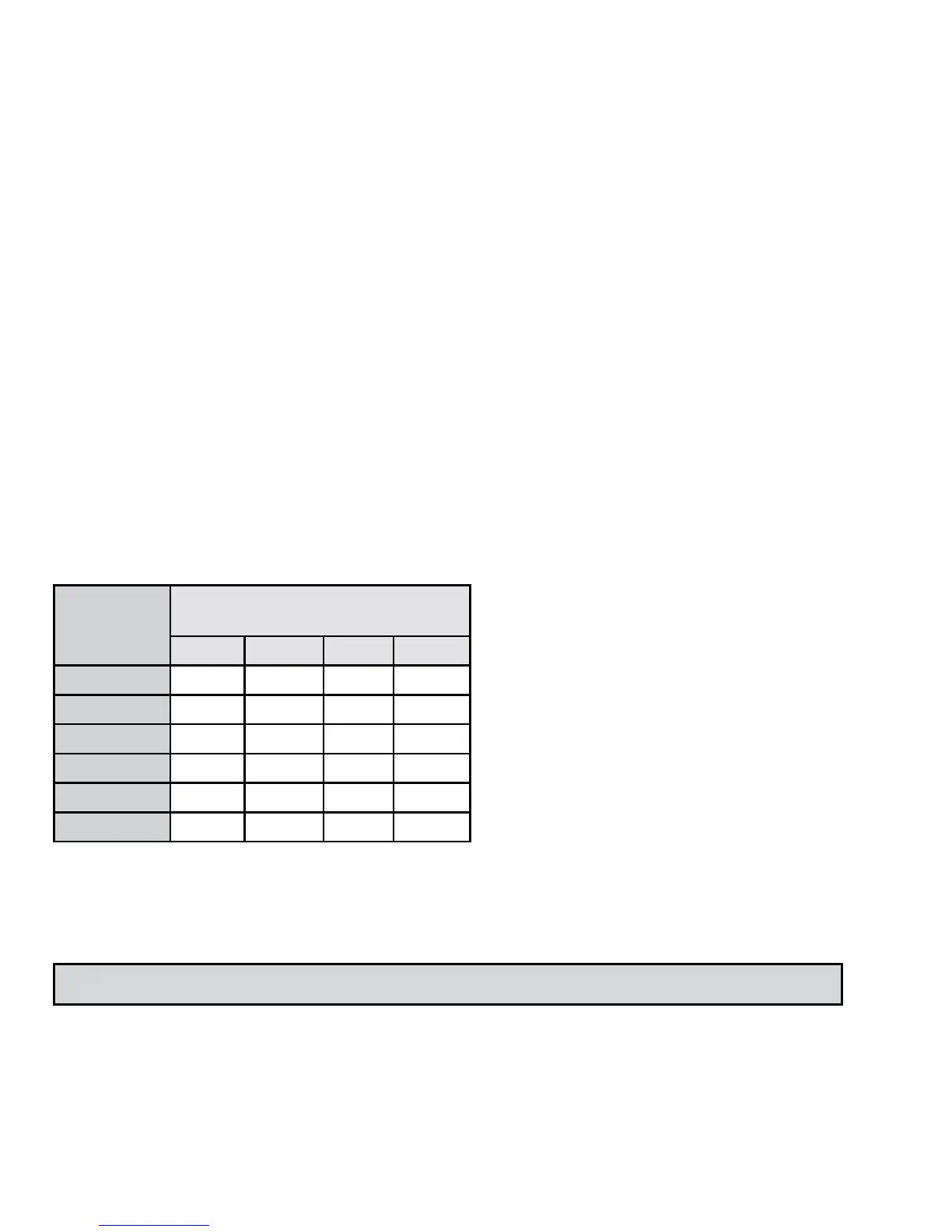
photo sIZe
(Resolution)
MeMoRy CaRd sIZe
= nuMBeR of photos
4gB 8gB 16gB 32gB
1.3 Mp 8000 16000 32000 64000
3.0 Mp 3619 7238 14476 28952
5.0 Mp 2381 4762 9524 19048
7.0 Mp 1604 3208 6416 12832
9.0 Mp 1032 2064 4128 8256
Video(30Sec)
433 866 1733 3466


 To Next Page