USB Video Grabber
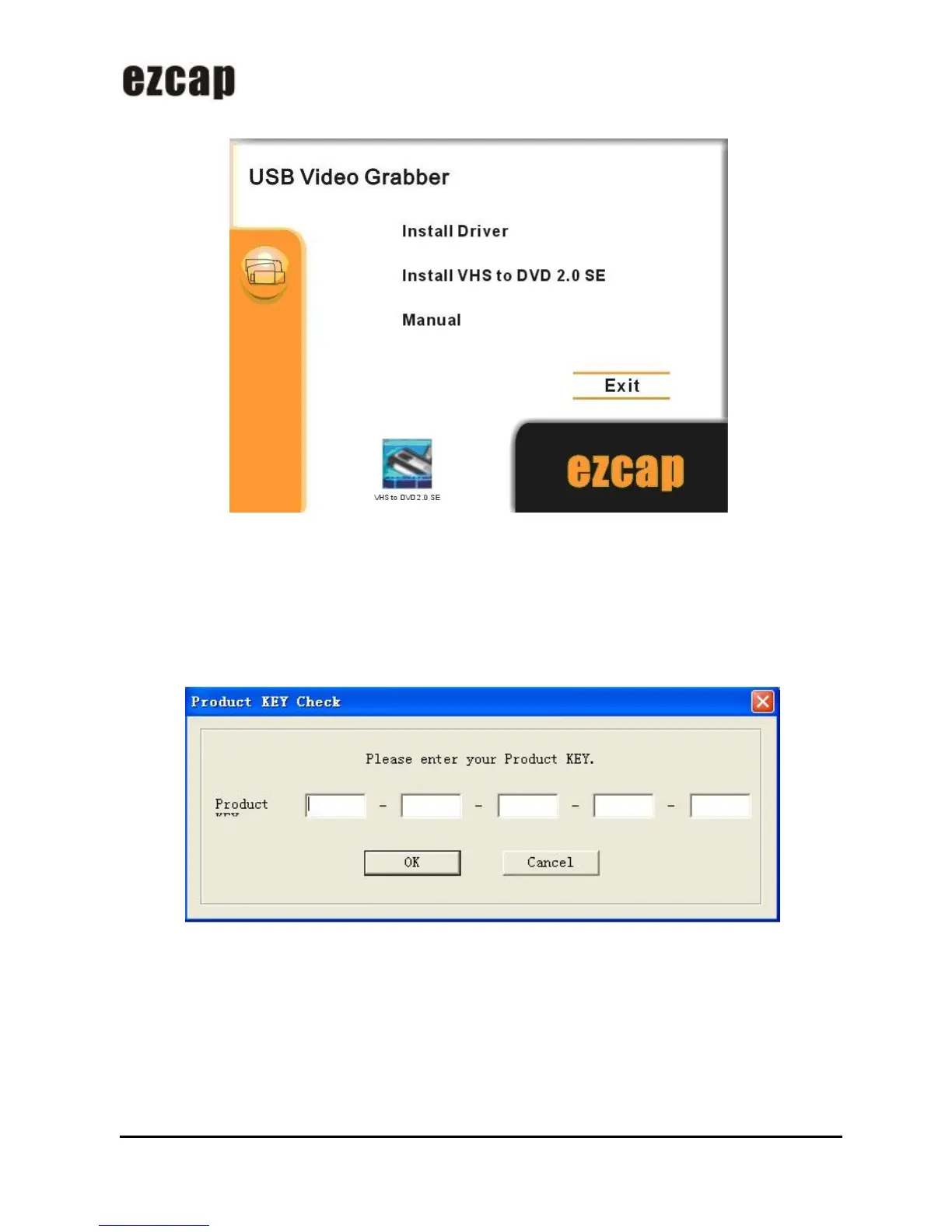
Please insert the CD-ROM into your computer, you should see a window.
Select “Install VHS to DVD 2.0 SE”, in the next windows, you can choose setup language, and click “next”. ”I
accept the terms of the license agreement”. Also, you should select folder where setup will install files, and select
program folder, then click ”next” , “Finish” to complete “Honestech VHS to DVD 2.0 SE” software installation. If
the software is installed correctly, you should see “honestech VHS to DVD 2.0 SE” icon on your desktop.
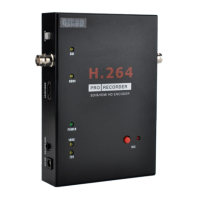
Please double click “honestech VHS to DVD 2.0 SE” icon on your desktop, you will get the following window, and
you must enter your product key in the window , then click “OK” icon.(You can find the product key on the
CD-ROM bag)
Now, you need to set software for capturing video.
Double click “Honestech VHS to DVD 2.0 SE” icon on your desktop, in the following window, Using the drop
down menu shown above, please select input video device to be “SMI Grabber Device”.


 To Next Page