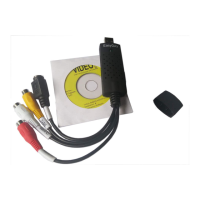
USB Video Grabber
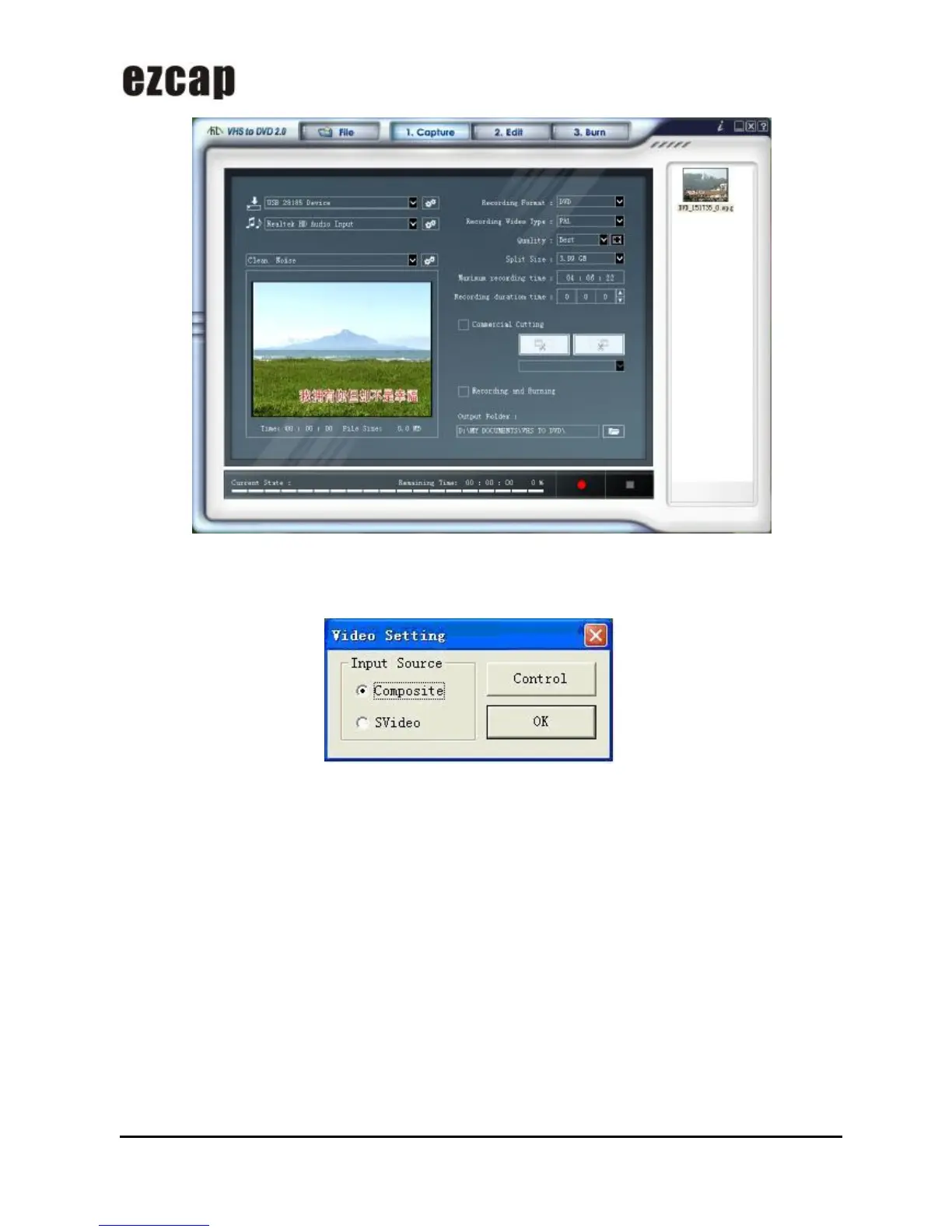
Then click “Video Setting” key on the software panel, you will see the window, according to the input signal you
have, you need to select correct input source for your device, and click “OK” icon.
Please click “Control” icon, in the window, you must select correct video standard, and you can see the signal
detected, then click ”OK” icon.


 To Next Page