Get Started
Enter your NB/PC/Smartphone/Tablet’s WiFi
setting, and find the SSID (EZCastPro_xxxxxxxx)
and connect with it.
Open EZCast Pro app on your device.
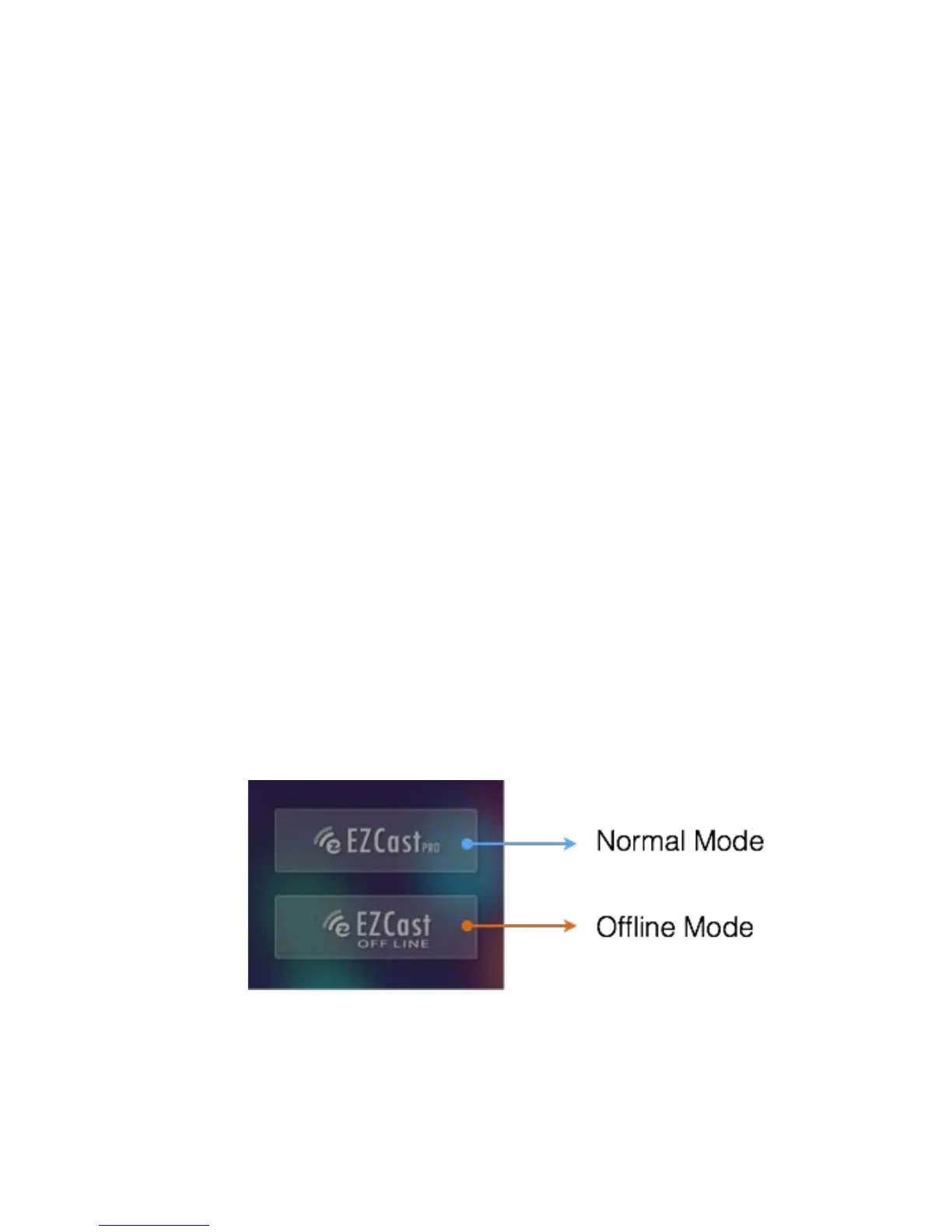
The Normal mode will be only working when
you connect with EZCast Pro hardware.
Under Offline mode, there will be only few
features to be used before you connect with the
device.
Now you can try all these app features with
EZCast Pro!!


 To Next Page