Need help?
Do you have a question about the EZCast TwinX and is the answer not in the manual?
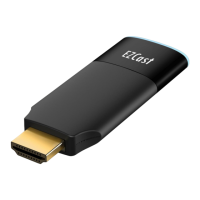
Connect EZCast Compact to TV HDMI port and power it using a 5V/1A adapter.
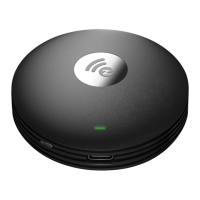
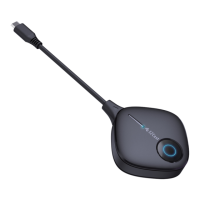
Connect EZCast Transmitter C-1 to laptop/mobile Type-C port; mirroring starts automatically.
Press the button on the Transmitter to stop or restart the mirroring session.
Insert pin into receiver reset hole for 2s until screen shows pairing prompt.
Connect Transmitter C-1 to power and press button to complete pairing when screen shows "Ready to pair".
 General
| Wireless Standard | 802.11ac |
|---|---|
| Wi-Fi | Yes |
| Wireless Frequency | 2.4GHz/5GHz |
| Video Output | HDMI |
| Resolution Support | Up to 4K |
| Max Resolution | 3840 x 2160 |
| Wireless Technology | Wi-Fi |
| Compatibility | Windows, macOS, iOS, Android |
| Supported OS | Android, iOS, Windows, macOS |
| Casting Protocols | Miracast, AirPlay |

 To Next Page