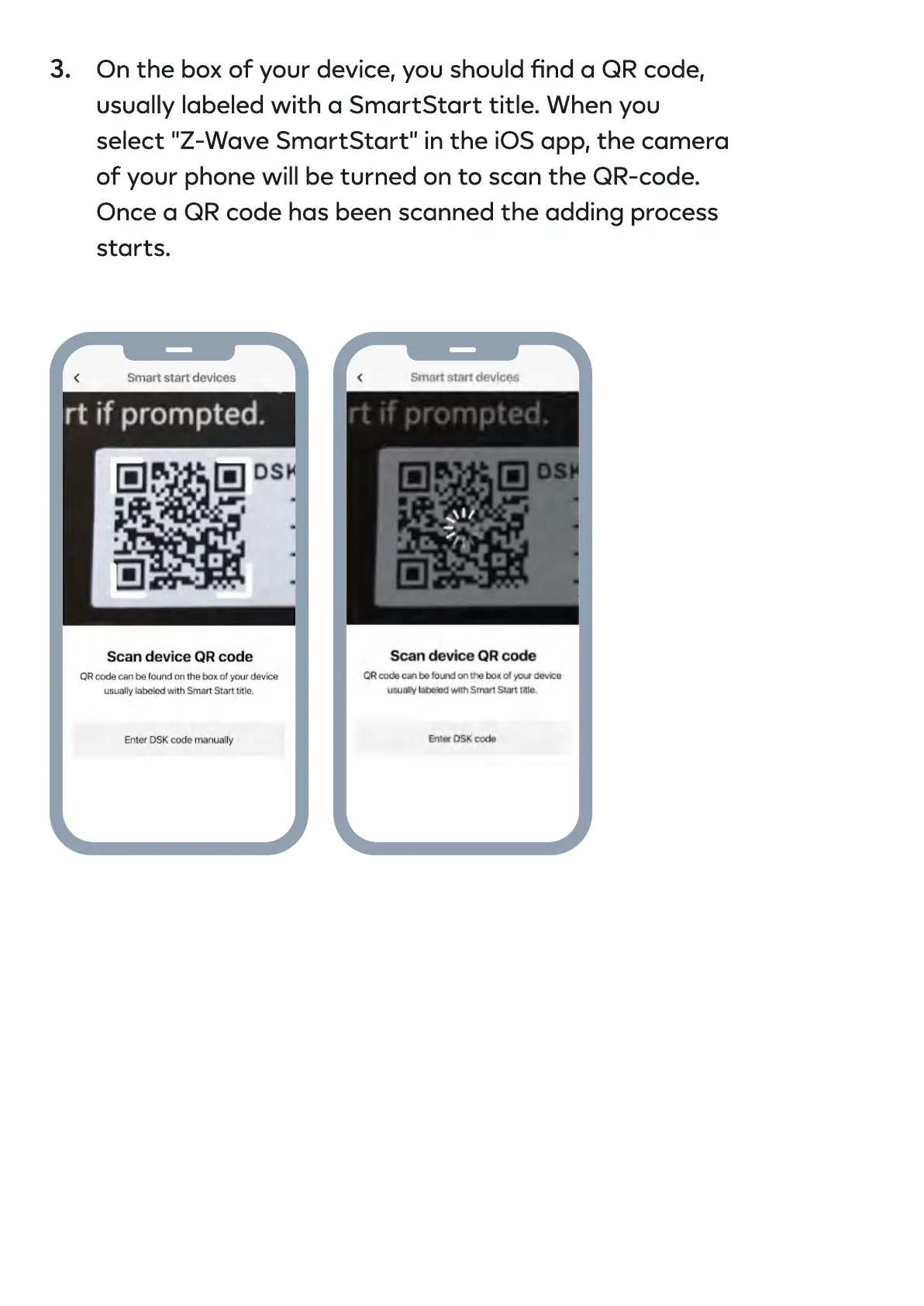
On the box of your device, you should nd a QR code,
usually labeled with a SmartStart title. When you
select "Z-Wave SmartStart" in the iOS app, the camera
of your phone will be turned on to scan the QR-code.
Once a QR code has been scanned the adding process
starts.
3.


 To Next Page