Note: Please make sure you choose the appropriate
removal procedure based on your scenario. Using on
a device that is still powered and present in your network
will cause the device to push itself back into your
dashboard. This method does not the device's
memory. does
The unpairing procedure is usually the same as the pairing
procedure, but it requires that you have physical access to
that device. For the devices that have a buon, it
usually involves pressing that buon a number of times.
Check the device manufacturer manual as well. Sometimes
the procedure needs to be repeated a number of times if
the device is not paired with your rst aempt.
Delete
reset
Unpairing
pairing
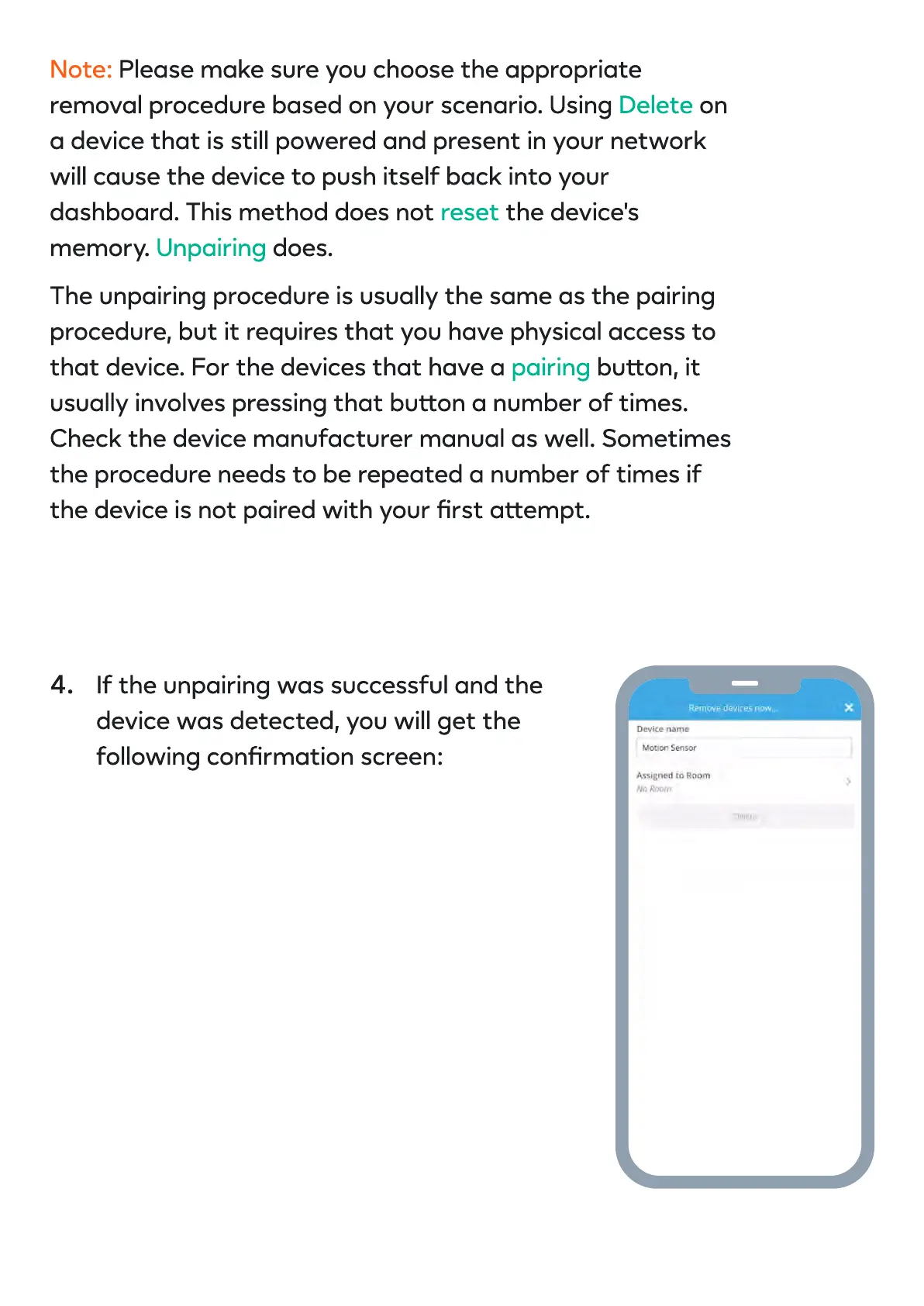
If the unpairing was successful and the
device was detected, you will get the
following conrmation screen:
4.


 To Next Page
 Loading...