3
Step 3 Camera Installation
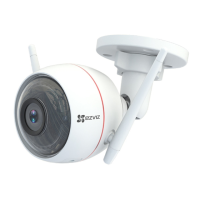
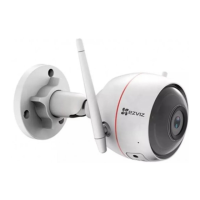
You can install the camera on the wall or ceiling.
•Make sure the wall is strong enough to withstand three times the weight
of the camera.
•Recommended installation height: 3m (10 ft).
1
Install the Camera
- Place drill template onto the surface you have chosen to mount the camera.
- (For the cement wall/ceiling only) Drill screw holes according to the template, and
insert three anchors.
- Use three metal screws to fix the camera base according to the template.
Mounting Template
Anchor Metal Screws
2
Adjust the Surveillance Angle
- Loosen the adjusting screw.
- Adjust the surveillance angle as your desired place.
- Tighten the adjusting screw when you have your camera in the position you want.
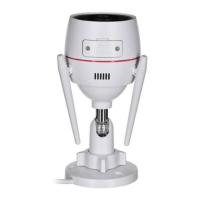
Make sure the microSD card slot is facing downward.


 To Next Page