2
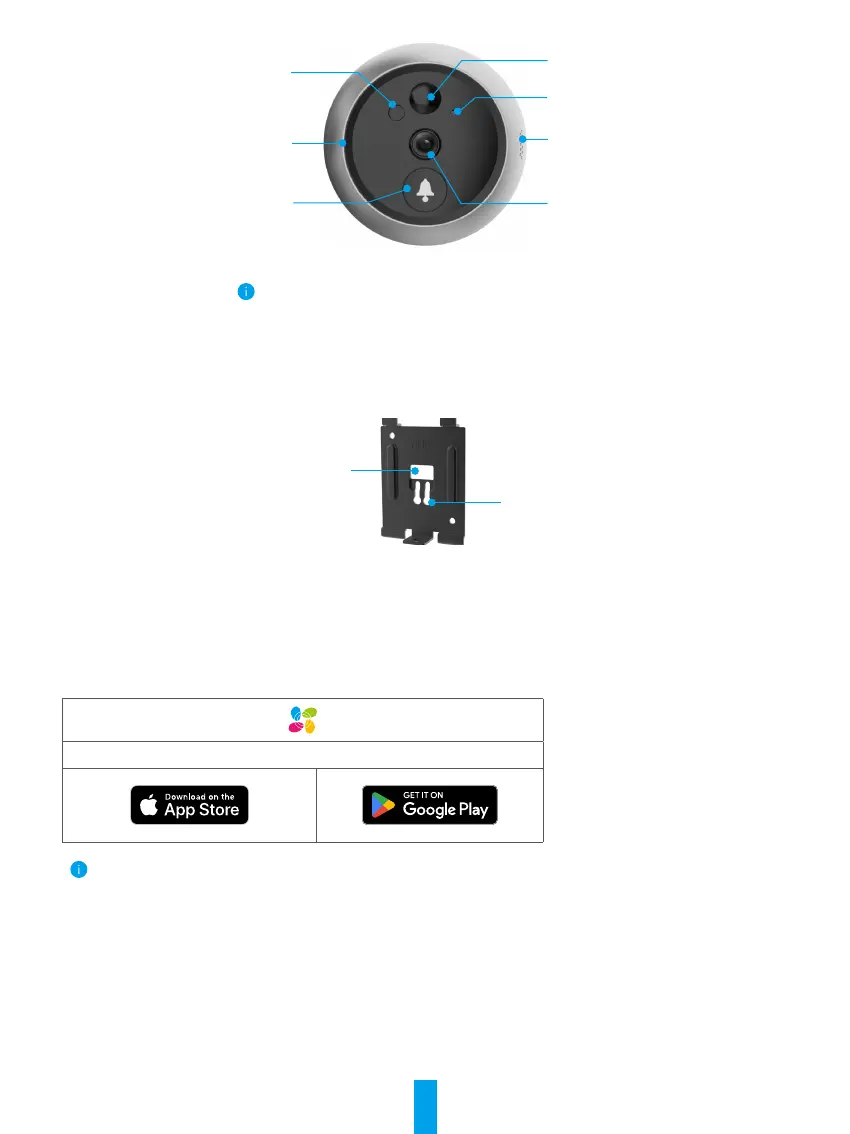
2. Camera
Sensor
Bell
Sensor
Sensor
Loudspeaker
Lens
Microphone
Do not block the sensors.
3. Mounting Base
Data Wire Hole
Mounting Hole
Get the EZVIZ App
- Connect your mobile phone to Wi-Fi using your 2.4GHz network (suggested).
- Download and install the EZVIZ app by searching “EZVIZ” in the App Store or Google Play
TM
.
- Launch the app and register an EZVIZ user account.
EZVIZ App
If you have already used the app, please make sure that it is the latest version. To nd out if an update is available, go to the app
store and search for EZVIZ.
Setup
Follow the steps to set your peephole:
1. Install your peephole and power on.
2. Log in to your EZVIZ app user account.
3. Connect your peephole to the Internet.
4. Add your peephole to your EZVIZ account.



 To Next Page