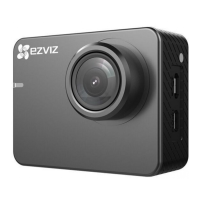
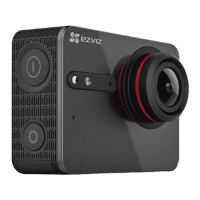
1 Shutter Start/Stop recording.
2 Camera Status LED Indicator Steady on: Standby
Flashing: Recording
3 Speaker Speaker
4 MIC Microphone
5 LED Indicator for Charging LED Indicator for Charging
6 USB Interface For USB data transferring and charging.
7 micro-HDMI Interface HDMI Output
8 LCD Screen LCD touch screen
9 Power Button Hold down for 3 seconds to power on, 3 seconds to power
off.
10 Setup Button Press to enter video settings menu.
Hold down to turn on Wi-Fi.
11 Battery cover Hold down the arrow and pull out the cover. You can replace
the battery if it runs out.
12 microSD Card Slot Insert a microSD card for storage. The microSD card is not
included in the box. Please purchase separately (see page 4
for the recommended microSD card models).
13 Standard Bracket Interface
(1/4 inch)
Interface for various brackets.
2


 To Next Page