1
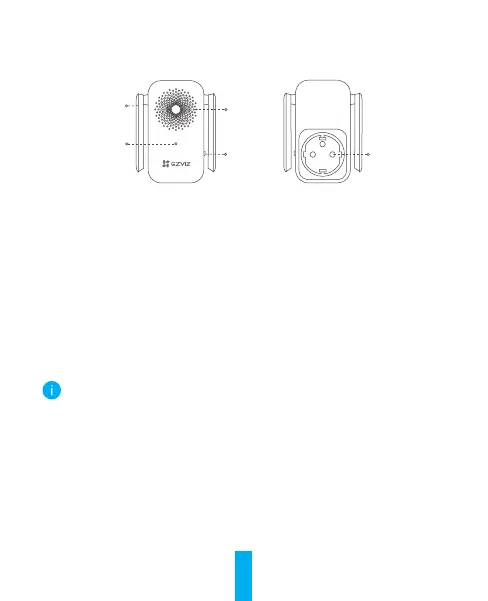
Basics
Reset
Button
Antenna
LED Indicator
Speaker
Power Input
Name Description
Antenna Enhances the transmission of wireless network signal
between the chime and other wireless network terminals.
LED Indicator • Solid Red: Chime is starting up.
• Slow-Flashing Red: Wi-Fi connection has failed.
• Solid Blue: Chime is functioning properly.
• Fast-Flashing Blue: Chime is ready for Wi-Fi connection.
Reset Button Hold for 5 seconds to restart and all parameters are reset
to default.
Power Input 100 to 240 VAC, 50/60Hz
The chime appearance is subject to the actual one you have bought.



 To Next Page