2
Get the EZVIZ App
1. Connect your mobile phone to Wi-Fi (suggested).
2. Search for “EZVIZ” in the App Store or Google Play Store
TM
.
3. Download and install the EZVIZ app.
4. Launch the app, and register an EZVIZ user account.
Set Up the Chime
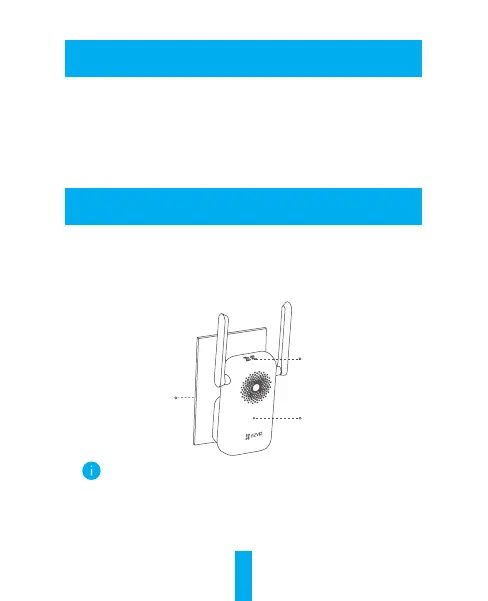
Step 1: Install the Chime.
1. Find a location between your Wi-Fi router and your doorbell.
2. Plug the chime into a power outlet. When the LED indicator is fast-
ashingblue,itisreadyforWi-Ficonnection.
Power Outlet
LED Indicator
QR Code
• Choose an outlet that is central to your home, so you can
clearly hear your doorbell notifications.
• Scan the QR code with the EZVIZ App to add the device to
your account. Please keep it for further reference.



 To Next Page