3
Step 2: Add the Chime to your account.
1. Log in to your EZVIZ account.
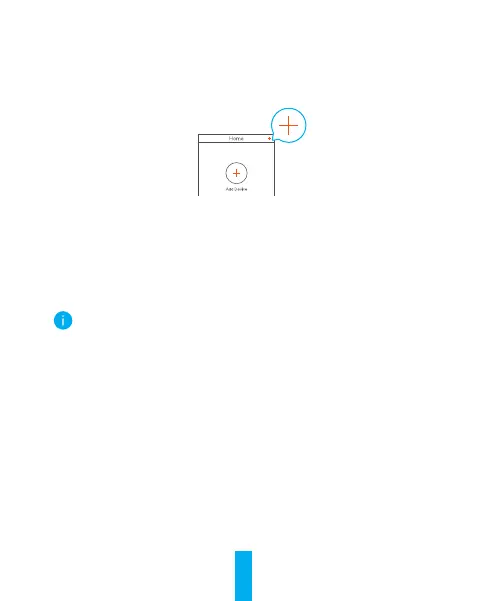
2. On the Home screen, tap “+” on the upper-right corner to go to the
Scan QR Code interface.
3. Scan the QR Code on the cover of this quick start guide or on the body
of the chime.
4. Tap Next to add the chime to the EZVIZ app.
5. Tap Next to go to Link to the bell interface.
6. Turn on Link to the chime of your doorbell.
7. FollowtheEZVIZappwizardtonishthesettings.
Linking to the chime will shorten your doorbell's response time.



 To Next Page