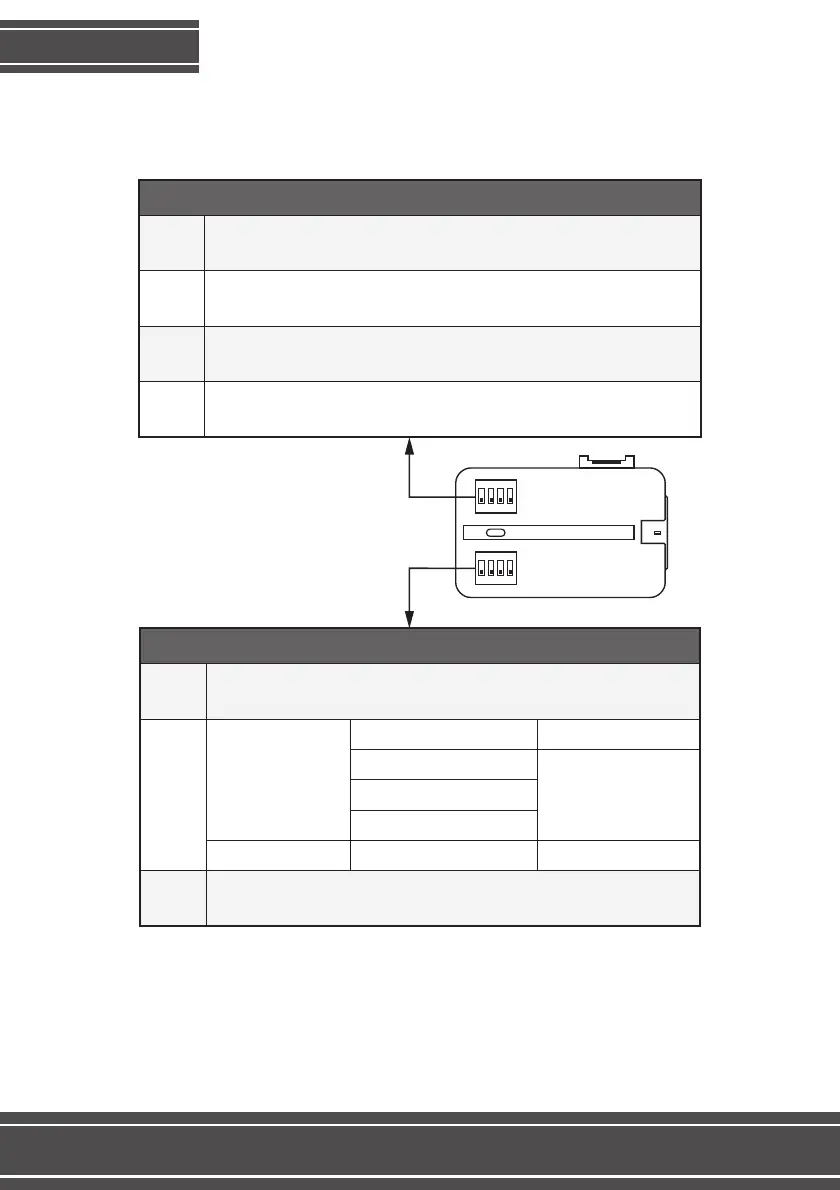
Set up the interface’s DIP Switches while the equipment is unplugged from the
whip, and while the car ignition is off.
DIPs 2 and 3 on the “DVD and TV selection” select the model of the TV in order
to control it using the original commands. In case you are installing a TV or DVD
model not listed on the chart, ignore that setting.
DIP Switches
ON
1 2 3 4
ON
1 2 3 4
Keep down
UP enables AV1 (DVD) input
DOWN disables AV1 input
UP enables AV2 (TV) input
DOWN disables AV2 input
UP enables front camera input
DOWN disables front camera input
Configuração
DIP 1
DIP 2
DIP 4
DIP 3
Up in case you are installing on a Ford Ranger
Down in case you are installing on Ford Edge, Focus or Fusion
Up on cars without an original manufacturer’s camera
Down on cars equipped with an original manufacturer’s camera
TV Faaftech
DIP 2 and 3 down
DIP 2 and 3 up
DIP 2 and 3 upFT-TV-1SEG
FT-TV-1SEGII
FT-TV-1SEGIII
FT-TV-HDII
LBCR-1100TV LBSat
DVD AND TV SELECTION DIP SWITCHES
DIP 1
DIP 4
DIP 2/3
3



 To Next Page