Follow the instructions below to use the accessories that you chose to install on
the interface’s AV inputs:
1st Choose the AUX audio entry on the multimedia menu;
Note: if your vehicle doesn’t have an AUX entry, choose the FM bandwidth from
the FM transmitter used in the installation.
2nd Press the POWER* button for two seconds in order to access the AV
session of the interface;
3rd Once in the AV session, simply touch the POWER* button to alter between
the accessories installed on inputs AV1 and AV2;
4th To go back to the original multimedia menu, press and hold the POWER*
button for two seconds.
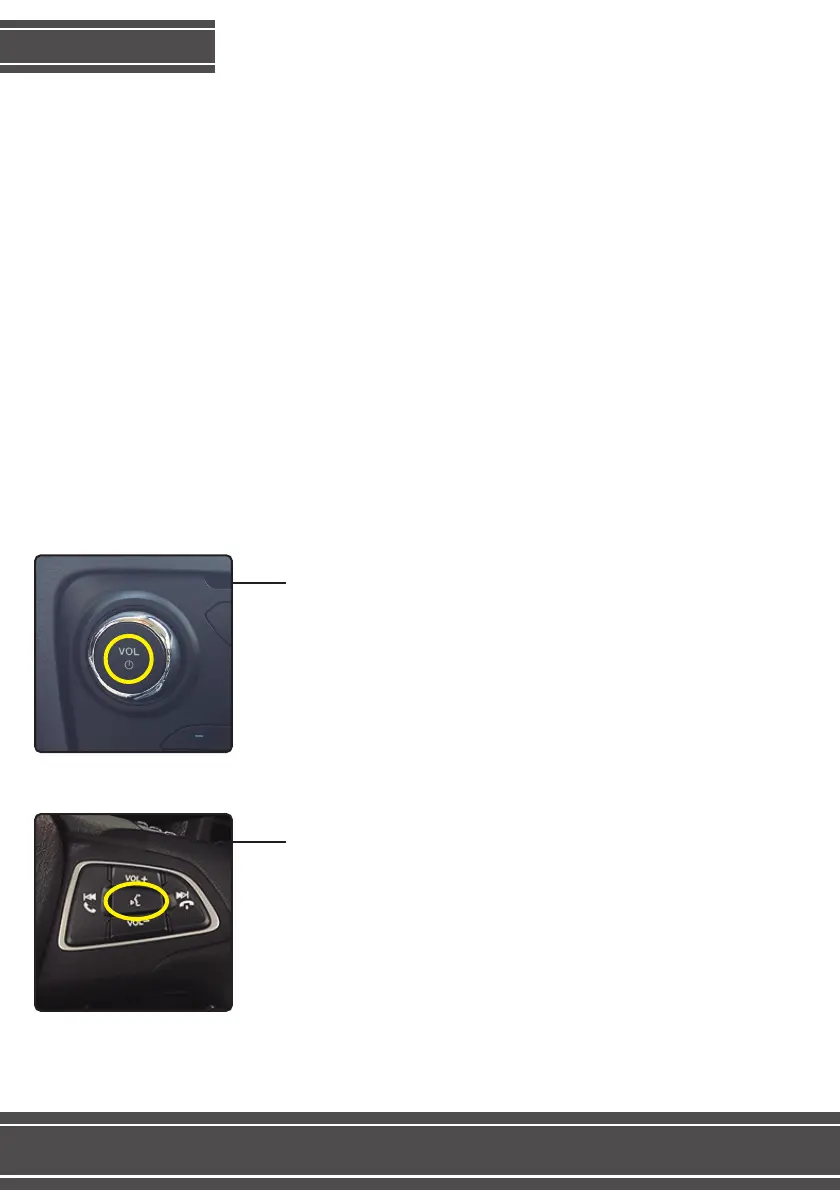
*Use the LOUDSPEAKER button on the steering
wheel commands to alter between AV1 and AV2
when you use this interface on a Ford Ecosport.
Use the POWER button on the dashboard to alter
between AV1 and AV2 in all vehicles, except for
the Ford Ecosport.
Functions
6



 To Next Page