- 5 -
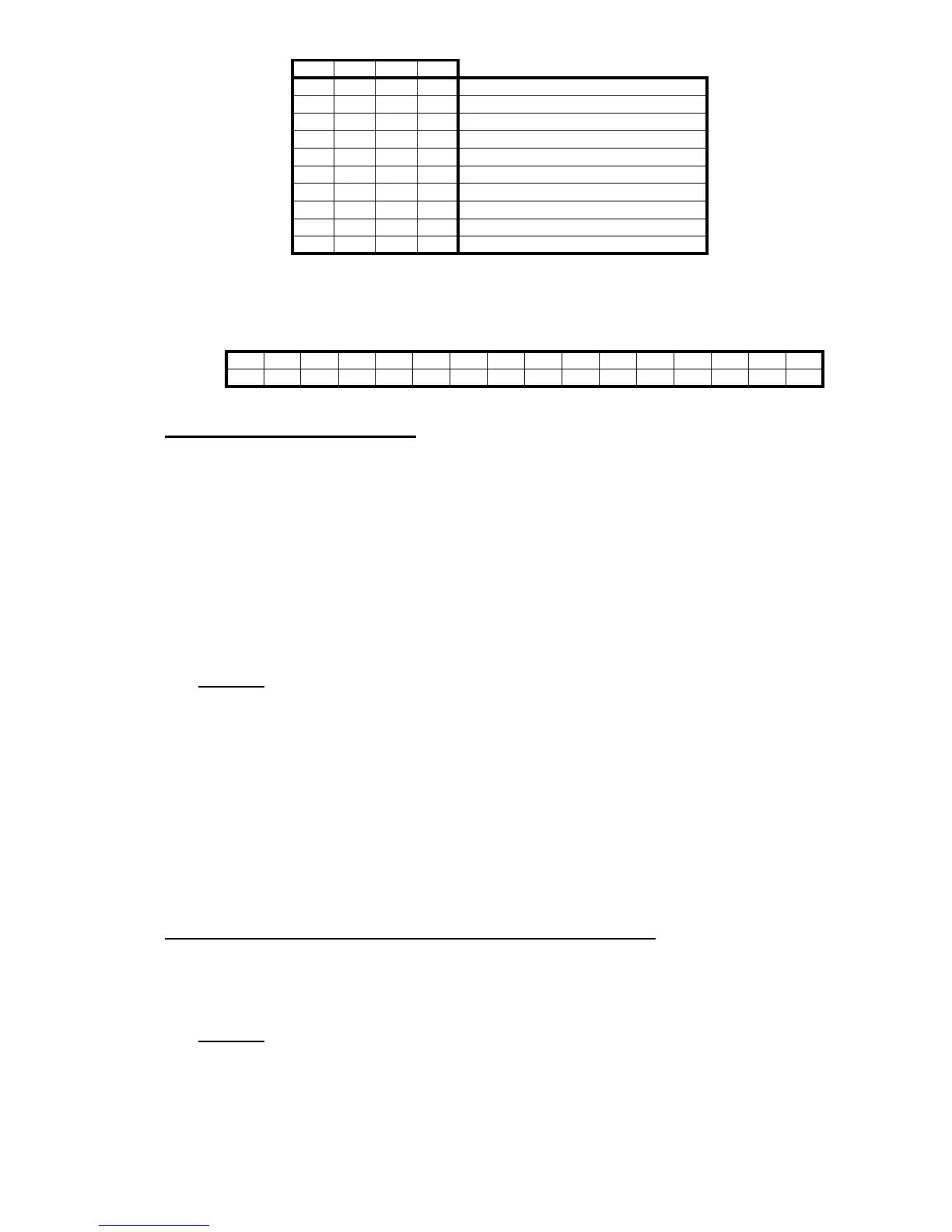
Operating mode selected at the CNC (B8-11 REG121 at the PLCI, Not available at the PLC64)
Status of the miscellaneous "M" functions (REG122 at the PLCI, Not available at the PLC64)
The status of each one of these functions is given by a bit and will appear as a "1" when active and "0" when inactive.
2. RETRACE FUNCTION.
This feature is available on the following models:
CNC-8025M CNC-8025MG CNC-8025MS
CNC-8025MI CNC-8025MGI CNC-8025MSI
Machine parameter "P627(6)" indicates whether this feature is available or not.
P627(6) = 0 This feature is not available
P627(6) = 1 This feature is available
This function may be selected by the operator. To do this, activate:
On models without PLCI: pin 7 of connector A5.
On models with PLCI: PLCI output O47
Operation:
As the CNC executes motion blocks, it always stores the last 10 blocks already executed
Whenever it executes a block containing an M,S,T type function, the machining conditions change and the CNC
deletes those previously stored motion blocks.
When the retrace function is activated, the block currently in execution is interrupted and the retrace process
begins.
First to the starting point of the current block and, then, to that of the previously stored program blocks.
If all the stored blocks are executed, the CNC stops the machine until the retrace function is canceled.
When this function is canceled, the CNC interrupts the current movement (if any) and it executes all the retraced
blocks again. Once the interruption point is reached, the CNC resumes the execution of the program.
3. OPERATION WITH TWO MOTORS AND 3 AXES.
Machine parameter "P627(8)" indicates whether this feature is available or not.
P627(8) = 0 This feature is not available.
P627(8) = 1 This feature is available.
Operation:
The CNC permits using 2 motors to move 3 axes with the following conditions:
One of the axes shared by a motor must be the Z axis and the other one must be either the X or the Y axis.
Only interpolations between the X and Y axes are possible. The Z axis cannot be interpolated with any other axis.
It must be moved alone.
Example: To move the tool from "X0 Y0 Z0" to "X20 Y20 Z20", The CNC will make this move in two steps.
First, it will move the X and Y axes to X20 Y20 and, then, the Z axis to Z20.
B8 B9 B10 B11
0 0 0 0 Automatic
0 0 0 1 Single block
0 0 1 0 Play-Back
0 0 1 1 Teach-in
0 1 0 0 Dry-Run
0 1 0 1 JOG
0 1 1 0 Editor
0 1 1 1 Peripherals
1 0 0 0 Tool Table and G functions
1 0 0 1 Special modes
B15 B14 B13 B12 B11 B10 B9 B8 B7 B6 B5 B4 B3 B2 B1 B0
M19 M1 M30 M6 M5 M4 M3 M2 M0


 To Next Page
 Loading...


