station can be 20 letters in the group title plus 20 letters in the record text field. For
example, one single entry might be:-
Worldwide broadcast -
- Voice of America #1.
The same search can be applied to VFO names while in VFO mode, or band names
when in band mode, just press <SHIFT><TEXT>, enter the search word and press
<ENTER>
d. Moving groups
Whole groups can be moved by pressing <GROUP> while in group mode. This will
give the “1. Reassign to group” message, and pressing key1 displays the current group
which can be changed by means of the <UP> and <DOWN> keys.
4.21 S.Meter
<SHIFT><UP>
The S-meter can be selected by pressing <SHIFT><UP>, and the text display can be
reinstated by pressing <SHIFT><UP> again or <TEXT><ENTER> The S-meter is
calibrated in S units which are equal to 6dB steps. Above S9 the meter is calibrated in
dB’s directly. The S meter does not operate in television or WBFM modes.
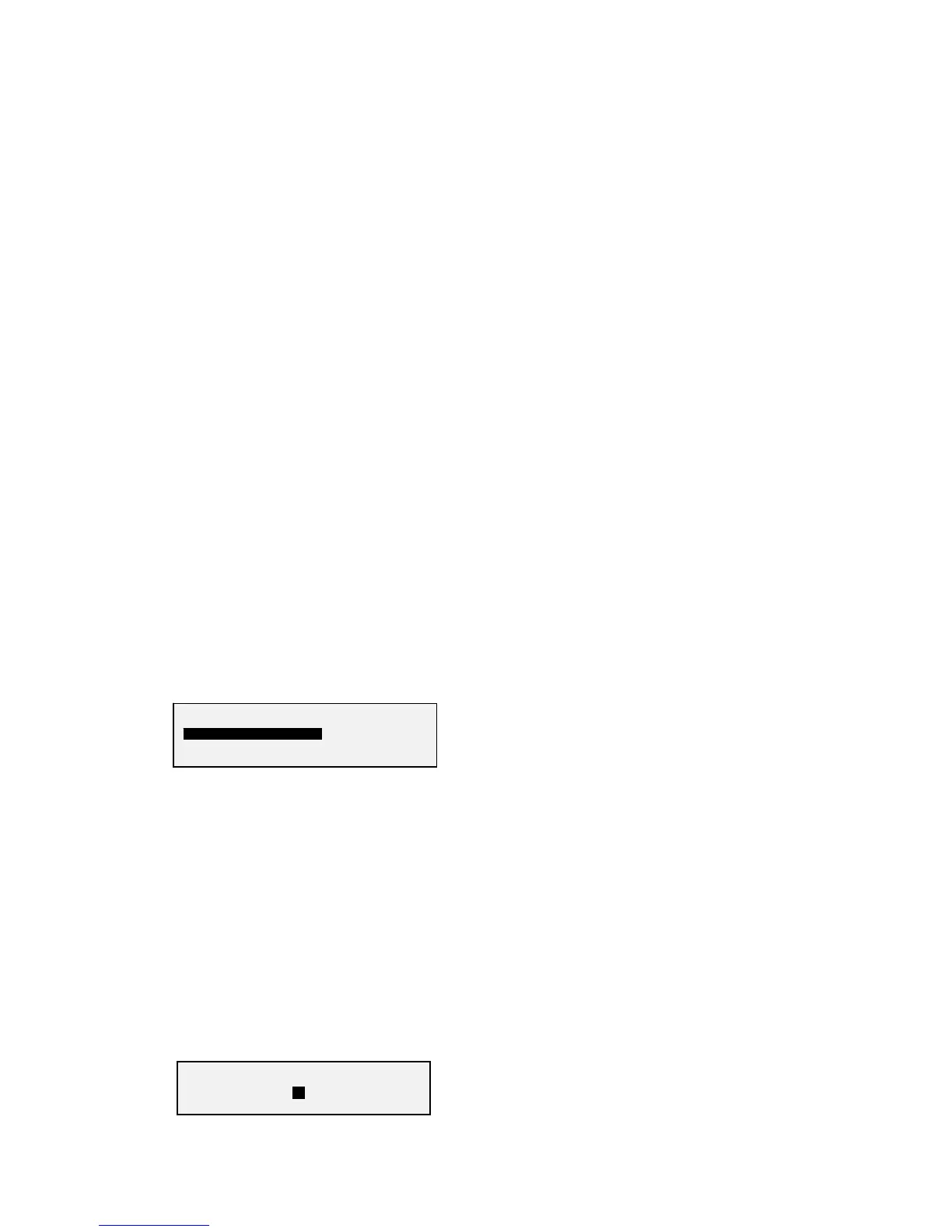
S meter display.
A: 21.34567 FMN
…………S
. 3 5 7 9+10 30 50
4.22 Tuning meter
<SHIFT><DN>
The tuning meter can be selected in AM and NFM modes, by pressing
<SHIFT><DN>, the text display can be reinstated by pressing <SHIFT><DN> again
or <TEXT><ENTER>. The tuning meter is also displayed when autotuning is
selected. The display gives an indication of how closely the receiver is to the centre of
a received signal.
Tuning meter display.
12.34567 FMN
LOW………………………HI


 To Next Page