7. Diagnosis information
There are several components in your device that can be diagnosed. We advise you to
follow our diagnosis tree on our website.
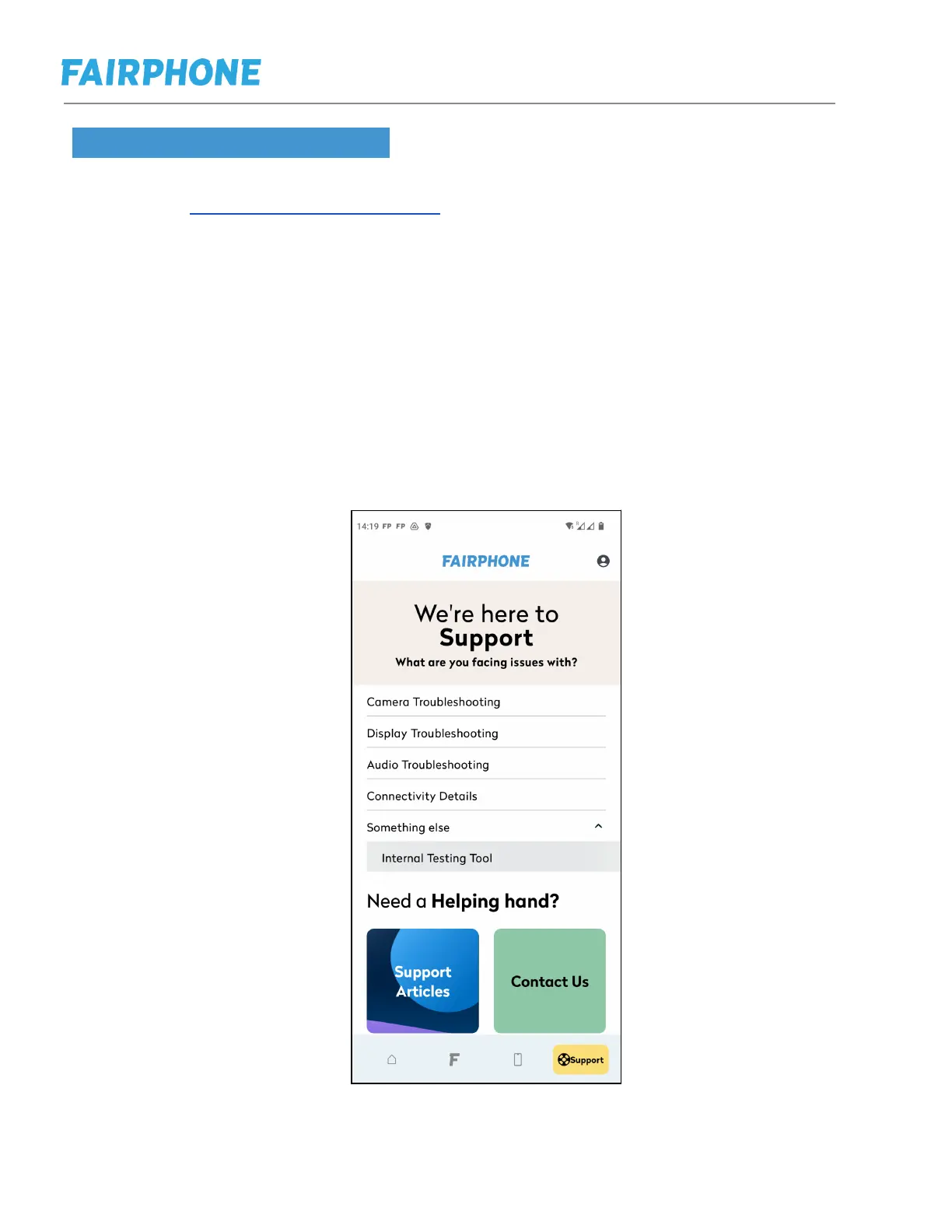
You can also test one of the phone functions or components directly. To do so, please
go to My Fairphone App on your phone. Please only do this under the instruction of
our customer support :
- Open MyFairphone App
- Click on "Support" (4th item in Bottom Navigation Bar)
- Click on “Something else”
- Click on "Internal Testing Tool"
To exit the test mode, scroll down and press exit.
Internal Testing Tool in the MyFairphone-App



 To Next Page