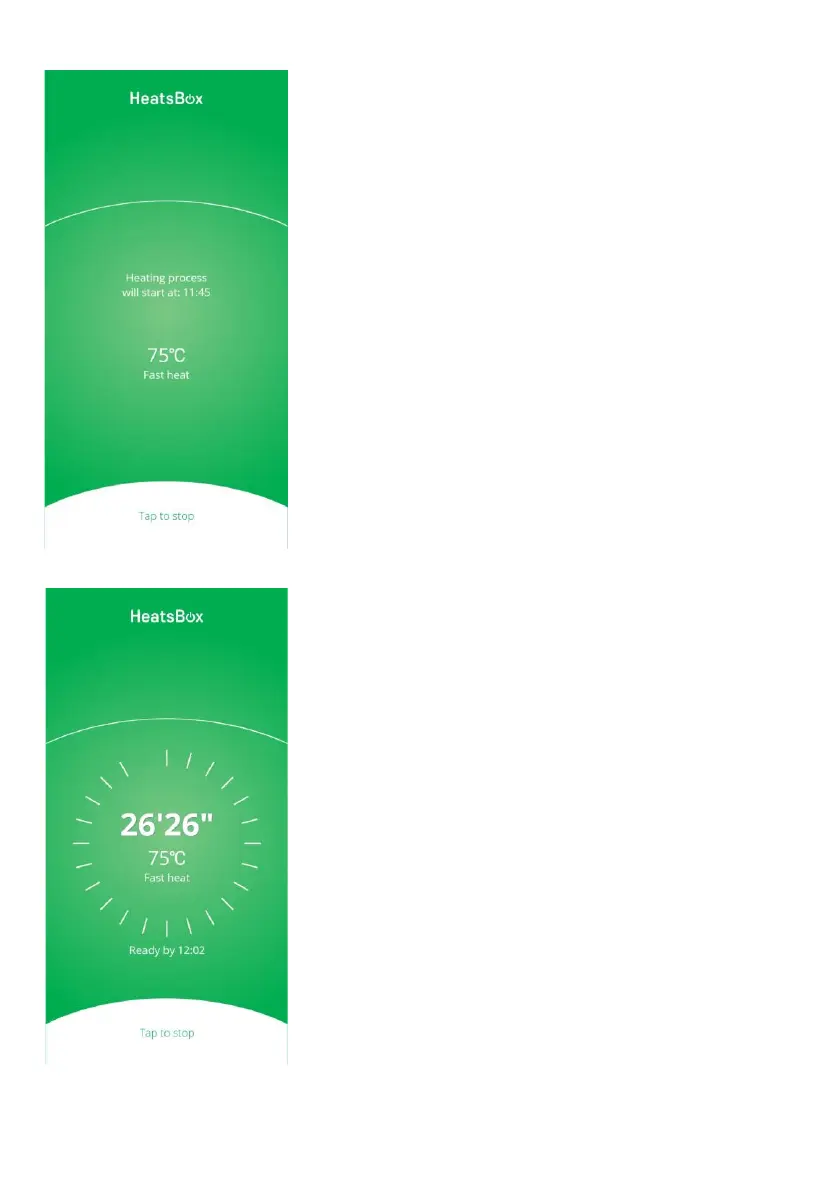
On this screen (“set a timer”), the heat-
ing process will start in a few minutes
based on the parameters selected.
Please note:
• You don’t need to do anything. The
HeatsBox will start heating automati-
cally. Once the heating process
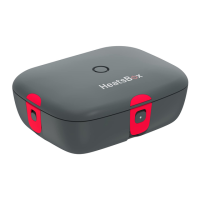
started, the APP will show the screen
below.
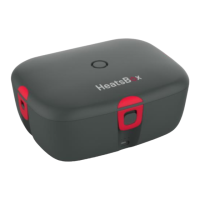
• The HeatsBox LED should shine in
yellow color to confirm the infor-
mation are stored on the HeatsBox and
the heating process will start soon.
On this screen, the heating process has
started with the parameters selected.
Please note:
• The heating time is only an estimation
and subject to recalculations during
the heating process run automatically
by the HeatsBox firmware and algo-
rithms.
• After the heating has finished, the
HeatsBox will keep the temperature
automatically for 30 more minutes
(“keep warm mode”).



 To Next Page