Cleaning
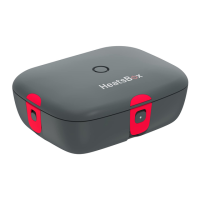
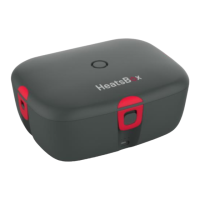
• Remove the lid of the appliance.
• Remove the rubber sealing from the lid.
• Wash the rubber sealing using warm soapy water and a soft sponge.
• Remove the inner dish from the appliance.
• Wash the lid with a well-wrung damp cloth without detergent.
• Wash the interior of appliance with a well-wrung damp cloth without deter-
gent.
• Dry the interior and lid of appliance thoroughly.
• Clean the main body and exterior of lid with a well-wrung damp cloth with-
out detergent.
• Dry main body and exterior of lid thoroughly.
• The inner dish can be washed in the dishwasher.
Any other servicing should be performed by an authorized service repre-
sentative.
Recycling
Electric and electronic equipment and included batteries contain materials,
components and substances that can be hazardous to your health and the envi-
ronment, if the waste material (discarded electric and electronic equipment and
batteries) is not handled correctly. The HeatsBox and its part should not be
disposed of with other household waste, but should be disposed of separately.



 To Next Page