• If you have set a timer, the HeatsBox will automatically start the heating
process after a set time, but not immediately. You can close the app or dis-
connect the bluetooth®
connection. The information is stored directly on
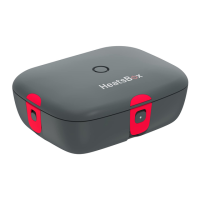
the appliance. LED control lamp shines yellow.
• Check the current food temperature on your HeatsBox App.
• Press the Start/Stop button to turn off the appliance after reaching the de-
sired heating time. The heating and the power indicator light will turn off.
The LED control lamp should now light up again in blue.
• The appliance indicates that the target temperature has been reached by
switching the color of the LED control lamp to green. The device then au-
tomatically keeps your food warm at a certain temperature for a prolonged
period.
• Allow the appliance to cool down before eating or handling any parts.
• Disconnect the power plug and remove the lid.
• Enjoy your meal.
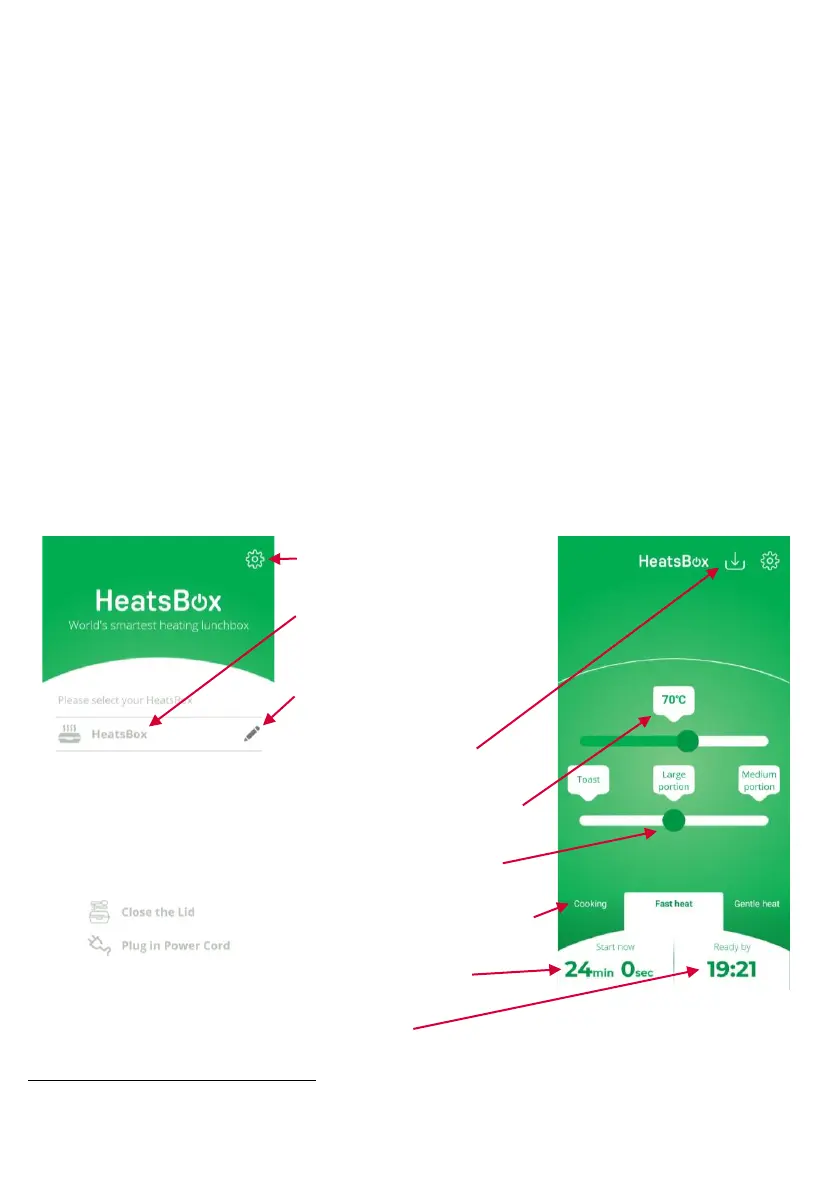
APP Screen Explanations
bluetooth is a registered trademark by Bluetooth SIG, Inc., Kirkland, United States.



 To Next Page