EasyManua.ls Logo

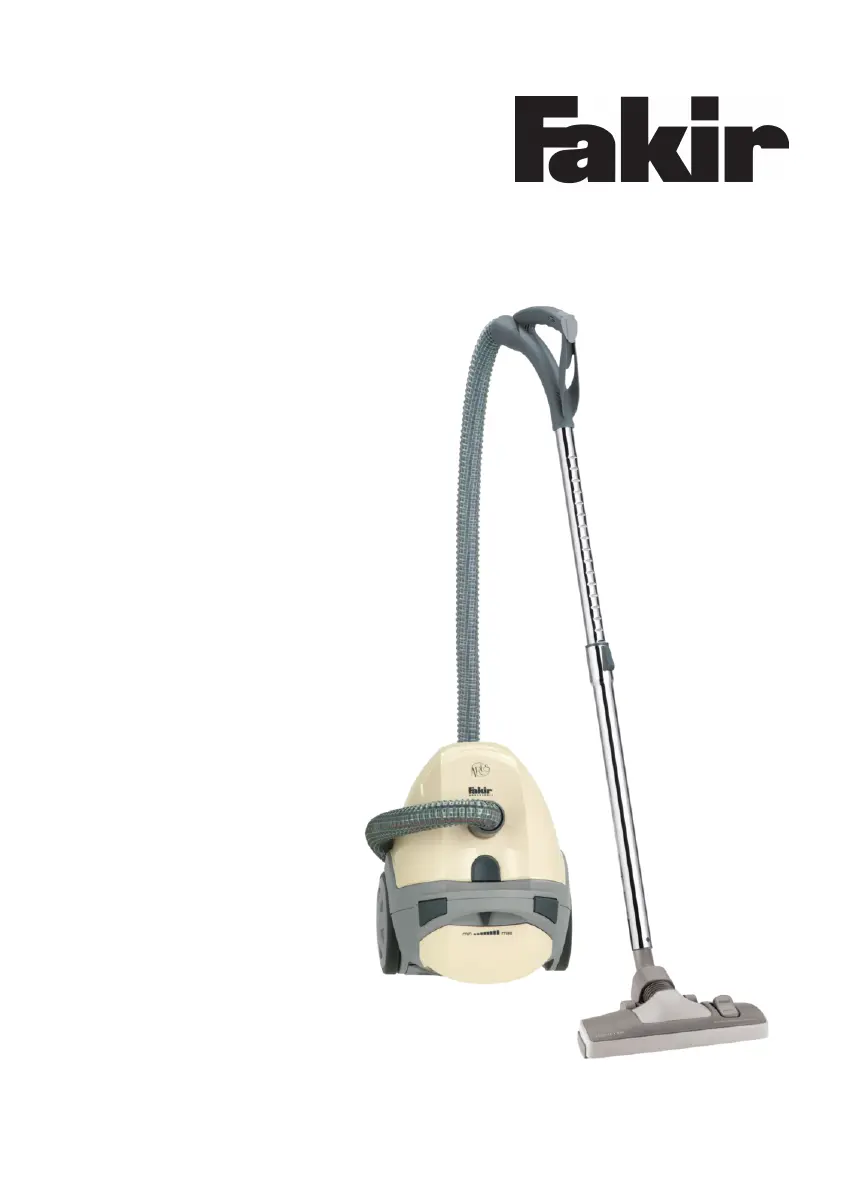
Fakir ARES - User Manual

Fakir ARES
72 pages
Go to English
Print Icon
To Next Page IconTo Next Page
Loading...
de - DE
Bedienungsanleitung
Staubsauger
ARES | TS 130

Table of Contents

Questions and Answers

  • G
    gonzalesjoshuaAug 6, 2025
    Why is my Fakir Vacuum Cleaner not picking up dirt properly?
    • D
      Dustin DeleonAug 6, 2025
      If your Fakir Vacuum Cleaner's cleaning performance is not satisfactory, several factors could be the cause. First, check if the dust bag is full and change it if necessary. The filter might be dirty or clogged, so clean or replace it. Also, the nozzle, telescopic suction tube, or suction hose could be clogged; clear any blockages, using a wooden stick if needed. Ensure the suction regulator is closed and that the power setting matches your flooring type. Verify you're using the correct nozzle for the floor and that the 'carpet/hard floor' switch is set correctly.
  • S
    Scott FritzAug 11, 2025
    What to do if my Fakir ARES suddenly stops working?
    • J
      Jason RobertsonAug 11, 2025
      If your Fakir Vacuum Cleaner suddenly stops vacuuming, it's possible the overheat protection has been activated, potentially due to clogged suction channels or dirty filters. To resolve this, switch off and unplug the appliance. Clear any blockages or clean the filters. Allow the appliance to cool down for 30 minutes before switching it back on.
  • D
    Daniel LeeAug 15, 2025
    How to fix a Fakir Vacuum Cleaner that won't turn on?
    • U
      uleeAug 15, 2025
      If your Fakir Vacuum Cleaner does not work, make sure the plug is properly inserted into a functioning mains socket and that the appliance is switched on. Test the appliance at another socket to ensure the power outlet is working. If the issue persists, the power cord may be damaged and should be replaced by an authorised Fakir service centre.
  • K
    Karen NguyenAug 19, 2025
    Why is my Fakir ARES Vacuum Cleaner so loud?
    • J
      Joan RobinsonAug 19, 2025
      If your Fakir Vacuum Cleaner is running unusually loud, it might be due to particles that have been sucked in and become jammed. Remove these particles, using a long wooden stick if necessary.
  • A
    Angela CastroAug 23, 2025
    What to do if my Fakir ARES Vacuum Cleaner does not work?
    • E
      Erin WrightAug 25, 2025
      If your Fakir Vacuum Cleaner isn't working, there could be several reasons: * Ensure the plug is properly inserted into the power outlet. If not, insert the plug. * Check if the appliance is switched on. If not, switch it on. * Verify the power outlet is functional by testing it with another device. If the outlet isn't working, use another power outlet. * If the power cable is damaged, send the appliance for repair.
  • S
    sanderstimAug 27, 2025
    Why does my Fakir ARES not vacuum?
    • C
      caseyrichardsAug 28, 2025
      Your Fakir Vacuum Cleaner might not be vacuuming because the dust bag or filters are full or clogged. Try changing the dust bag or filters. Also, check if the hose, tubes, or nozzles are clogged. If they are, eliminate the clogging.
  • D
    Donald WelchSep 1, 2025
    Why is my Fakir ARES Vacuum Cleaner running unusually loud?
    • J
      John SmithSep 1, 2025
      If your Fakir Vacuum Cleaner is running unusually loud, it might be because sucked-in particles have become jammed. Remove these particles to resolve the issue.

Summary

Safety Precautions

General Operation Warnings

Covers essential warnings for safe operation, including avoiding vacuuming body parts and ensuring dry application.

Electric Current Safety

Details precautions related to voltage, circuit breakers, and handling the power cord to prevent electric shock.

Danger, Dispatch, and Defects

Instructs on immediate actions in case of danger, proper dispatch procedures, and warnings about operating defective appliances.

Assembly Instructions

Vacuum Cleaner Accessories

Operating the Vacuum Cleaner

Vacuum Cleaning and Suction Level Adjustment

Explains the process of vacuum cleaning, including attaching nozzles, power cord management, and adjusting suction levels.

After Vacuuming Procedures

Outlines the steps to take after vacuum cleaning, including switching off, unplugging, cable rewinding, and storing the appliance safely.

After Use Care

Troubleshooting Guide

Troubleshooting and Service Information

Offers guidance on identifying and resolving common appliance issues, contact information for service, and repair safety warnings.

Warranty Details

Fakir ARES Specifications

General IconGeneral
BrandFakir
ModelARES
CategoryVacuum Cleaner
LanguageEnglish

Related product manuals