28
AFTER USE
GB
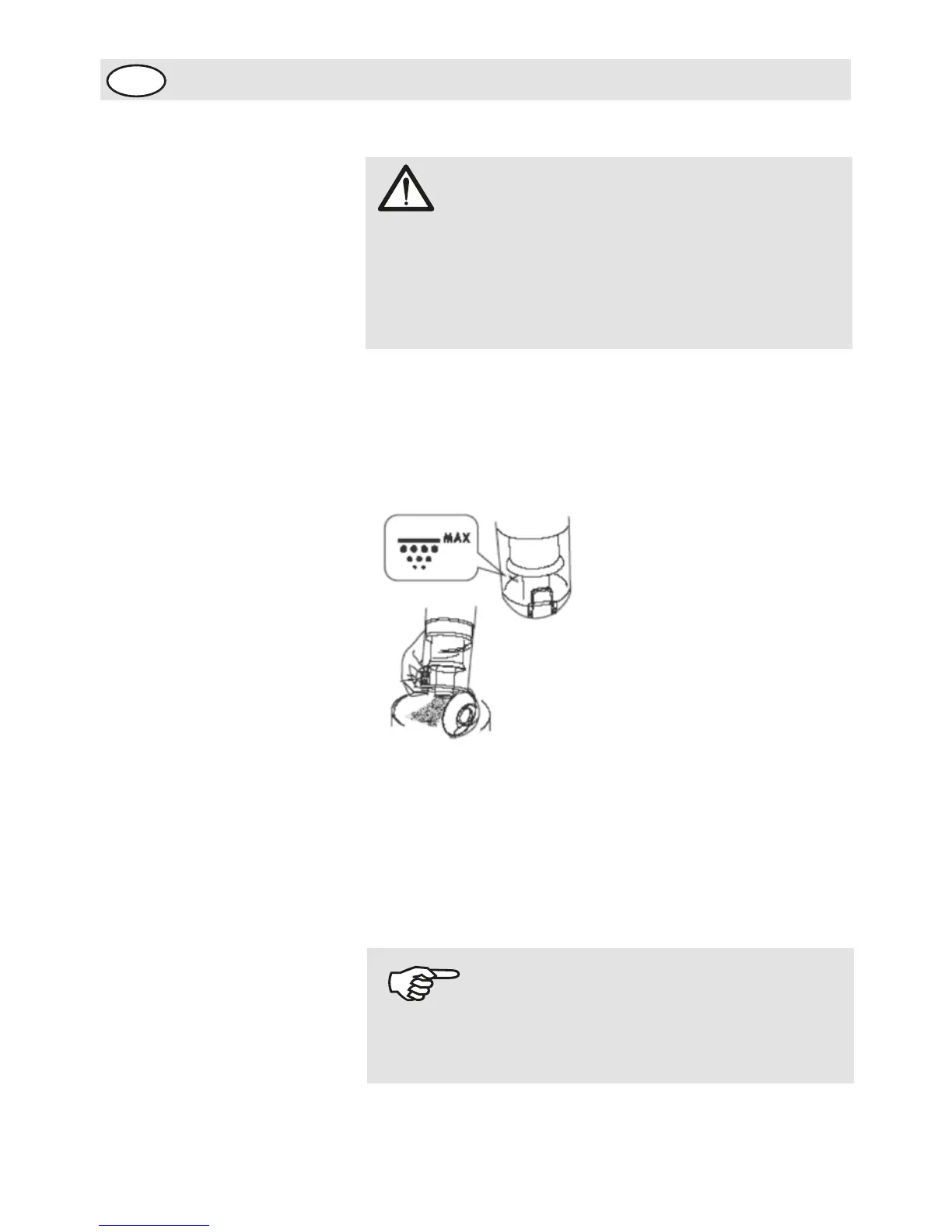
Emptying the dust
container
1.Release the dust container by pressing down the release
button as shown.
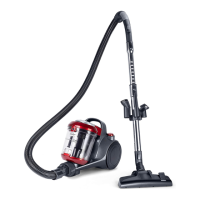
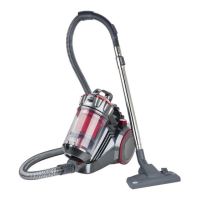
2. Lift the dust container forwards out of the cylinder vacuum
cleaner.
3. When emptying the dust container, hold it low over a
dustbin.
4.Press the open button. The base opens and the dust runs
into the dustbin.
5. Carefully knock the remaining dust loose.
6. Close the base.
7. Place the dust container onto the cylinder vacuum cleaner.
Press the dust container firmly into its mounting bracket
until it audibly clicks into place.
8. Check whether the dust container is securely seated.
ATTENTION!
Before you empty the dust container, switch off the
appliance. This is how you will prevent dust from
destroying the appliance. Empty the dust container at
the latest when the sucked in quantity of dirt in the dust
container is full or the suction power has dropped.
NOTE!
It may be necessary to push a bit harder. To make it
easier, you can hold the release button pressed when
inserting the dust container.




 To Next Page