26
EN
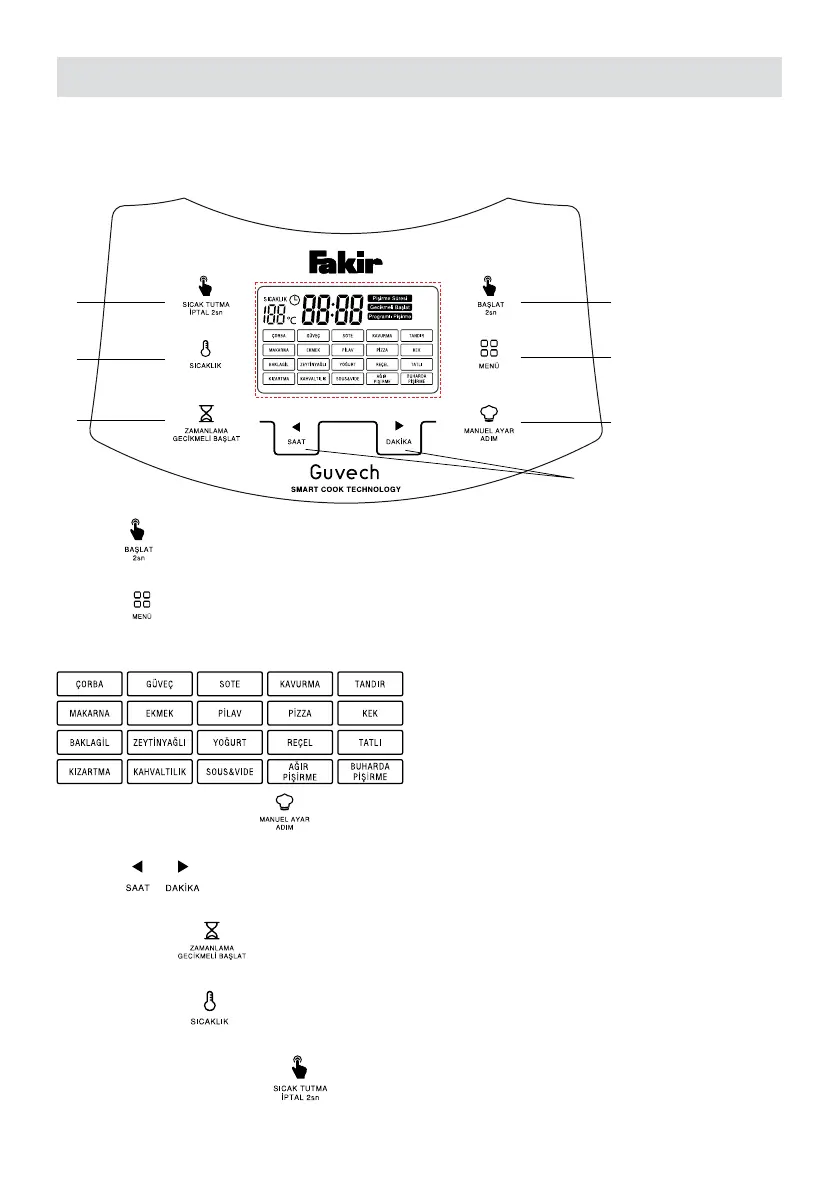
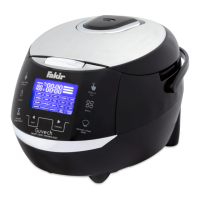
1.1.3 Control Panel
1
2
3
4
7
6
5
1. Start
Press and hold for two seconds to start the selected cooking program.
2. Menu
20 cooking programs
3. Manual setting /Step
Manually create a cooking program in 3 steps.
4. Time
Cooking time can always be adjusted manually.
5. Delay start
The selected cooking program can be started with delay.
6. Temperature
Manual temperature setting
7. Keeping warm / Cancel
It is used to keep food warm or to cancel a program.


 To Next Page