17
RANGE
GB
Mounting the accessories
1. The appliance should be switched off and
unplugged .
2. Remove the nozzle from the telescopic tube.
3. When required, push the desired nozzle onto
the lower end of the telescopic tube or the handle.
Operation
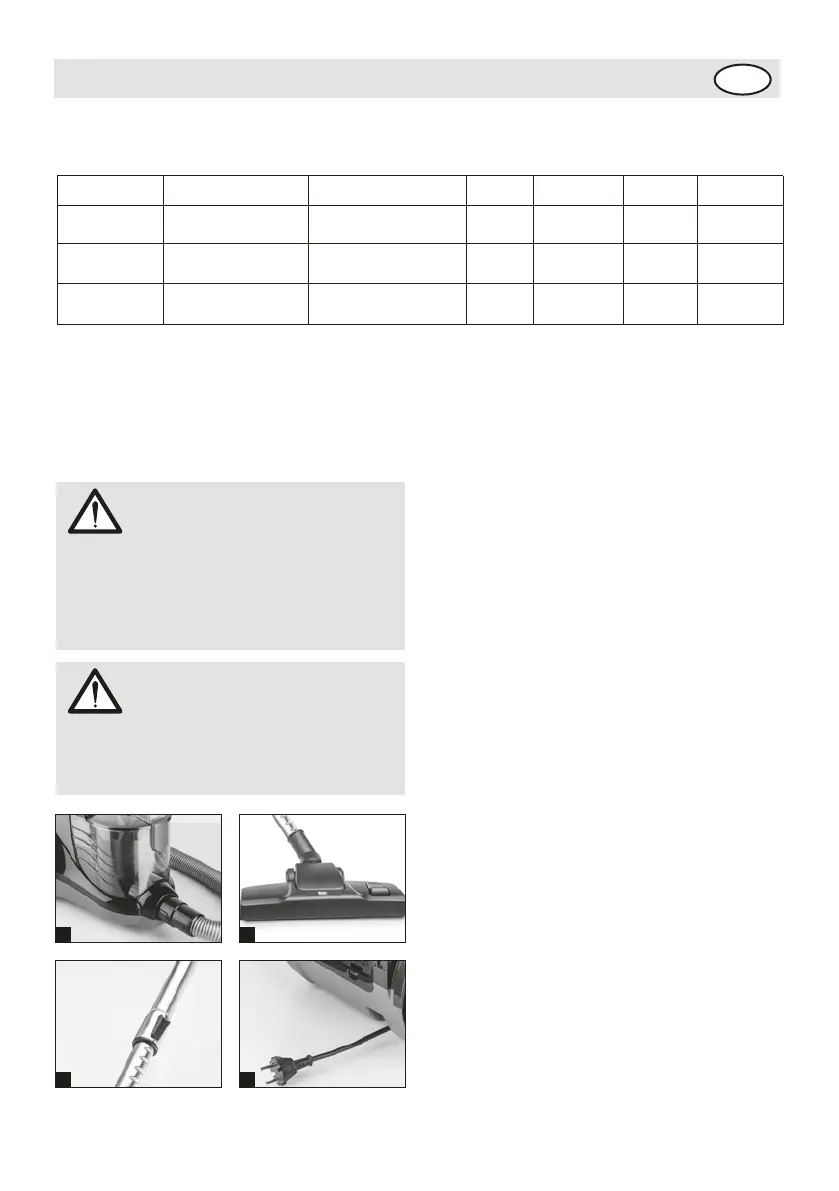
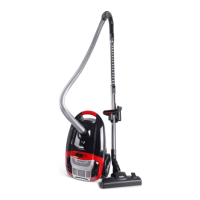
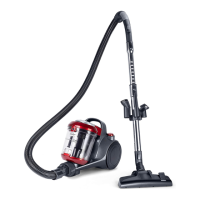
1. Plug the suction hose adapter into the suction
hose receiver and lock the adapter by turning it
clockwise to the stop point.
2. Push the handle into the upperend of the
telescopic tube.
3. Push the floor nozzle/turbo brush onto the lower
end of the telescopic tube.
4. Adjust the length of the telescopic tube. To do
this, pres the telescopic tubelock forwards. Then
pull the telescopic tube by the handle to the
desired length. To lock it, release the telescopic
tube lock while you pull.
5. Pull the cable till you see the red mark on the
cable.
6. Switch on the cylinder vacuum cleaner using the
on/off switch.
7. Adjust the carpet/hard floor switch depending on
the type of flooring:
• Hard floor laminate flooring, tiles, PVC flooring,
etc. (with brush)
• Carpet long and short pile carpets, runners, etc.
(without brush)
8. To vacuum, pull the cylinder vacuum cleaner
behind you like a sledge.
ATTENTION!
Be sure that all filters were attached
correctly to the appliance before you
start cleaning. Filters must be
undamaged and dry. Uncompatibility
can damage your vacuum cleaner.
ATTENTION!
If you use the cylinder vacuum cleaner
without attached nozzle, there is a greater
risk of accidently vacuuming up objects.
Attachment use chart
Attachment
Floor/Carpet Between Cushions Drapes Stairs Walls Furniture
Floor Brush
Upholstery
Nozzle
✓
✓ ✓
✓
✓
✓ ✓
✓
Crevice
Nozzle
✓
1
4 5
3





 To Next Page