47
EN
NOTE!
Before you call Customer Service, check whether you can correct the problem/ fault
yourself.
For this purpose, please see the “TROUBLESHOOTING” section. If you can not resolve
the problem/error, please call Customer Service. Before calling please make ready the
model name and product serial number. You can nd this information on the TYPE LABEL
of your product. Help Line: (+90 212) 444 0 241
Troubleshooting
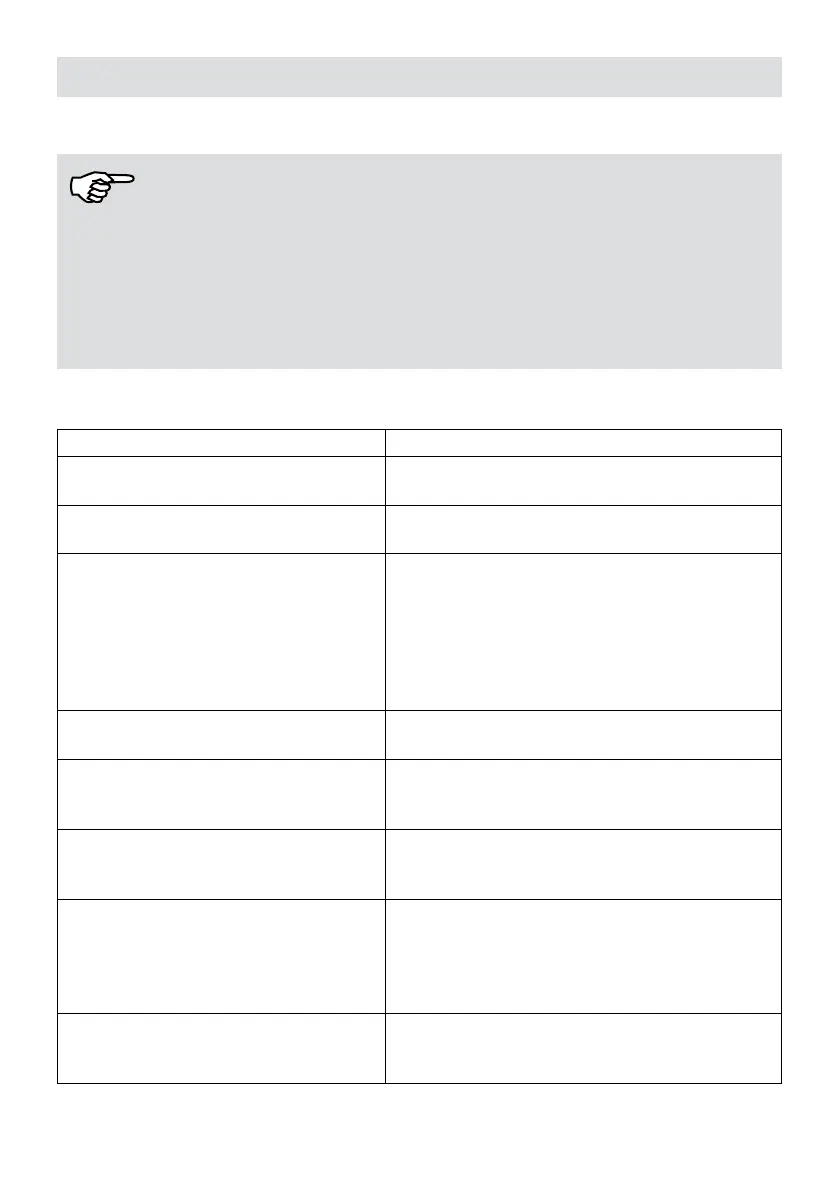
PROBLEM SOLUTION
Cannot be charged.
It is important to ensure that the device is in full
contact with the charging station.
Cannot be returned to the charging
station.
See section 'Starting'.
Stuck in the corner.
1. The escape mode is automatically initiated
by the device, if it does not work, you must get
manual assistance.
2. Remove jammed objects, cables, etc. and
restart to observe if they are normal, otherwise
contact after-sales service.
3. Remove any obstacles.
It was not cleared at the scheduled time.
Reset scheduled cleaning. Turn off Do Not
Disturb mode.
The cloth holder is attached, but the
water outlet device does not emit water.
1. Contact the after-sales service.
2. Add water to the tank.
3. Clean the water outlet.
Appliance does not operate.
1. Charge the appliance.
2. Place the device close to the ground.
3. Please contact after sales.
The device is not working properly
1. To check for foreign objects inside, tap the
shield lightly.
2. Remove any barriers in front of it.
3. Remove dust from the surface of the drop
sensor.
The device has no sound.
1. Turn off silent mode. 2. Increase the volume
with the Fakir Robot application (Fakir Home
App).


 To Next Page